Erklär- und Lernvideos
mit Legetechnik erstellen
Referent
Matthias Kostrzewa
Digitalisierungsbeauftragter für die Lehrerbildung
Professional School of Education, Ruhr-Universität Bochum
Web: www.matthias-kostrzewa.de
Twitter: @matkost04
Videogestaltung
Formen und Perspektiven
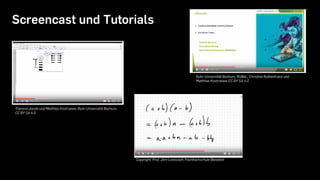
Screencast und Tutorials
Theresa Jacobi und Matthias Kostrzewa, Ruhr-Universität Bochum,
CC BY SA 4.0
Copyright: Prof. Jörn Loviscach, Fachhochschule Bielefeld
Ruhr-Universität Bochum, RUBeL, Christine Ruthenfranz und
Matthias Kostrzewa, CC BY SA 4.0
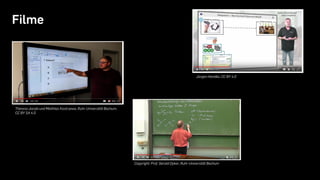
Filme
Copyright: Prof. Gerald Dyker, Ruhr-Universität Bochum
Jürgen Handke, CC BY 4.0
Theresa Jacobi und Matthias Kostrzewa, Ruhr-Universität Bochum,
CC BY SA 4.0
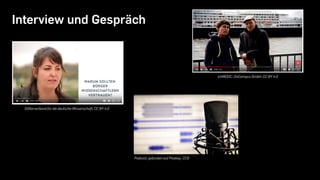
Interview und Gespräch
Stifterverband für die deutsche Wissenschaft, CC BY 4.0
Podcast, gefunden auf Pixabay, CC0
ichMOOC, OnCampus GmbH, CC BY 4.0
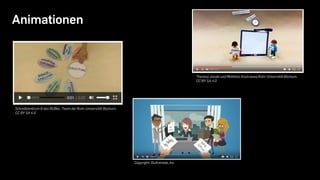
Animationen
Schreibzentrum & das RUBeL-Team der Ruhr-Universität Bochum,
CC BY SA 4.0
Copyright: GoAnimate, Inc.
Theresa Jacobi und Matthias Kostrzewa,Ruhr-Universität Bochum,
CC BY SA 4.0
Beispiel
https://www.youtube.com/watch?v=pJP54RKtqlE
oder
https://kurzelinks.de/dv5g
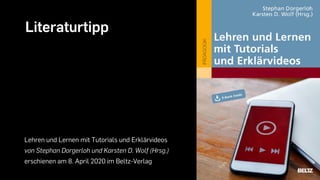
Literaturtipp
Lehren und Lernen mit Tutorials und Erklärvideos
von Stephan Dorgerloh und Karsten D. Wolf (Hrsg.)
erschienen am 8. April 2020 im Beltz-Verlag
Jetzt wird‘s konkret
Legetechnik und Stop Motion
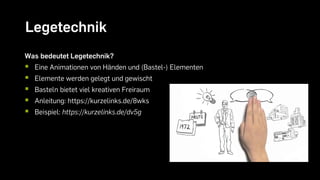
Legetechnik
Was bedeutet Legetechnik?
 Eine Animationen von Händen und (Bastel-) Elementen
 Elemente werden gelegt und gewischt
 Basteln bietet viel kreativen Freiraum
 Anleitung: https://kurzelinks.de/8wks
 Beispiel: https://kurzelinks.de/dv5g
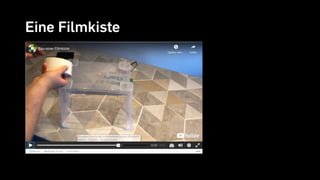
Eine Filmkiste
https://campus.oercamp.de
Ein Video entsteht
Schritt für Schritt
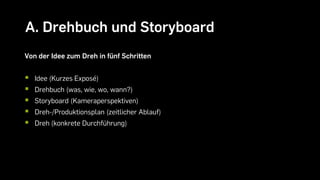
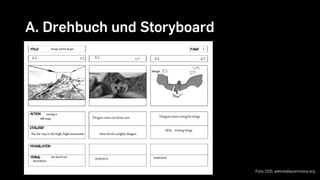
A. Drehbuch und Storyboard
Von der Idee zum Dreh in fünf Schritten
 Idee (Kurzes Exposé)
 Drehbuch (was, wie, wo, wann?)
 Storyboard (Kameraperspektiven)
 Dreh-/Produktionsplan (zeitlicher Ablauf)
 Dreh (konkrete Durchführung)
A. Drehbuch und Storyboard
Foto: CC0, wikimediacommons.org
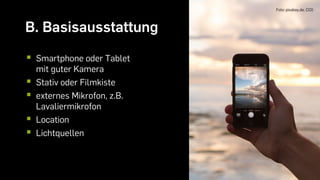
B. Basisausstattung
Foto: pixabay.de, CC0
 Smartphone oder Tablet
mit guter Kamera
 Stativ oder Filmkiste
 externes Mikrofon, z.B.
Lavaliermikrofon
 Location
 Lichtquellen
C. (Zusatz-) Material
https://pixabay.com/videoshttps://www.pexels.com/de-de/videos/
https://www.zdf.de/dokumentation/terra-
x/terra-x-creative-commons-cc-100.html
https://freesound.org/
http://bbcsfx.acropolis.org.uk/
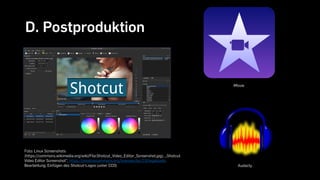
D. Postproduktion
Foto: Linux Screenshots
(https://commons.wikimedia.org/wiki/File:Shotcut_Video_Editor_Screenshot.jpg), „Shotcut
Video Editor Screenshot“, https://creativecommons.org/licenses/by/2.0/legalcode,
Bearbeitung; Einfügen des Shotcut-Logos (unter CC0)
iMovie
Audacty
E. Abspann
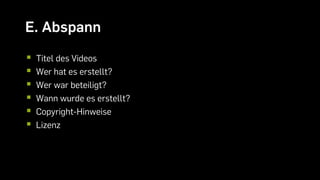
 Titel des Videos
 Wer hat es erstellt?
 Wer war beteiligt?
 Wann wurde es erstellt?
 Copyright-Hinweise
 Lizenz
F. Veröffentlichung
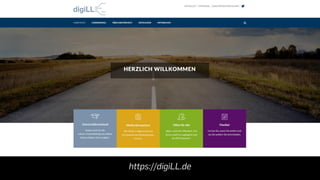
https://digiLL.de
Vielen Dank für eure Aufmerksamkeit.

Legetechnik