Drive your life.


Business Intelligence

                 Matthias Gessenay
                 Matthias.gessenay@corporatesoftware.ch
Agenda
   Microsofts BI-Stack: Übersicht
   Virtual Machine: Demo
   Was für wann? Welches Tool setze ich wann ein?
   Feature Walkthrough: Demo
   Excel Services: Demo


SQL Day 2012                                         2
MICROSOFTS BI-IDEE


 SQL Day 2012        3
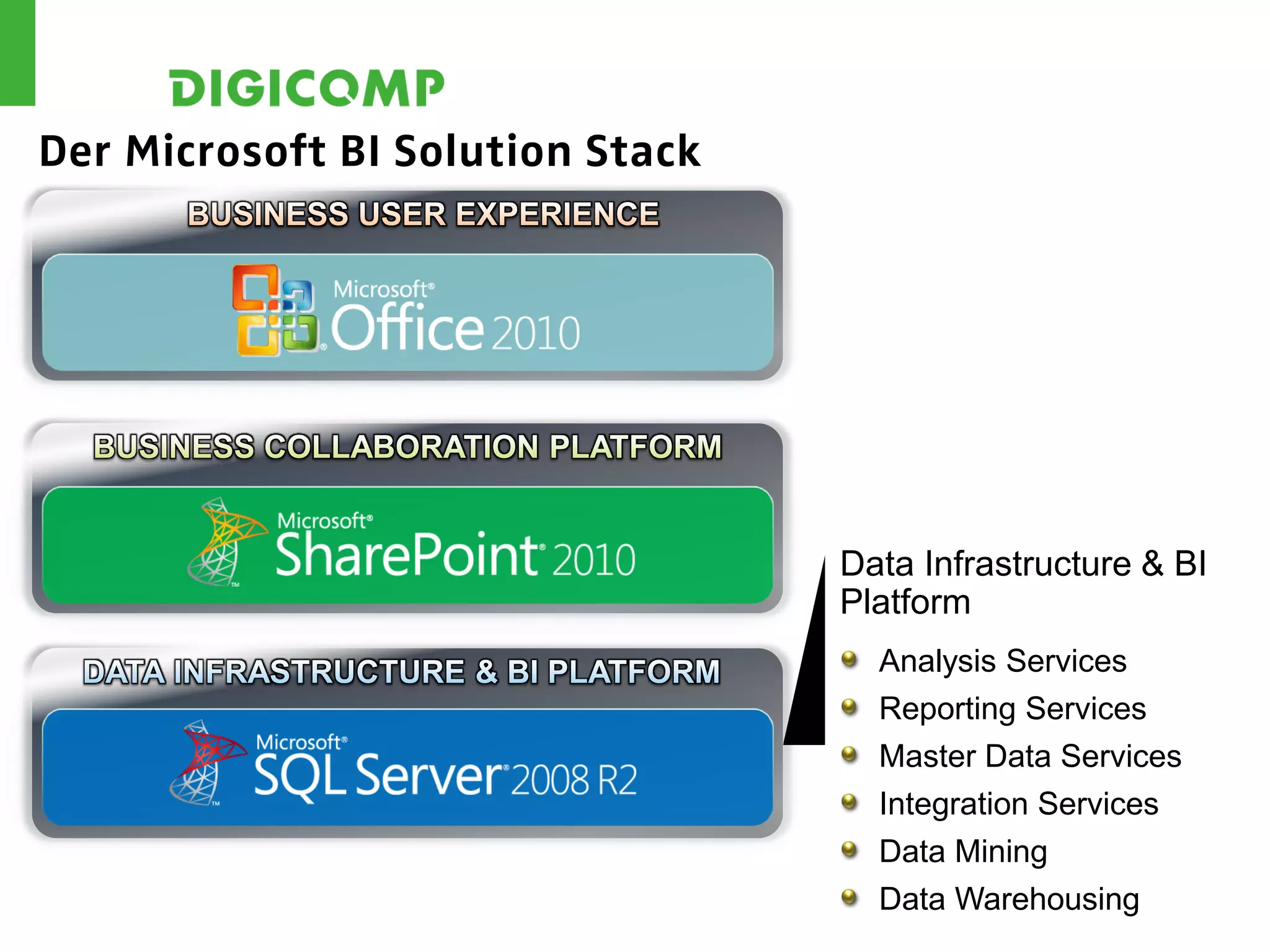
Der Microsoft BI Solution Stack


                                  Data Infrastructure & BI
                                  Platform
                                    Analysis Services
                                    Reporting Services
                                    Master Data Services
                                    Integration Services
                                    Data Mining
                                    Data Warehousing
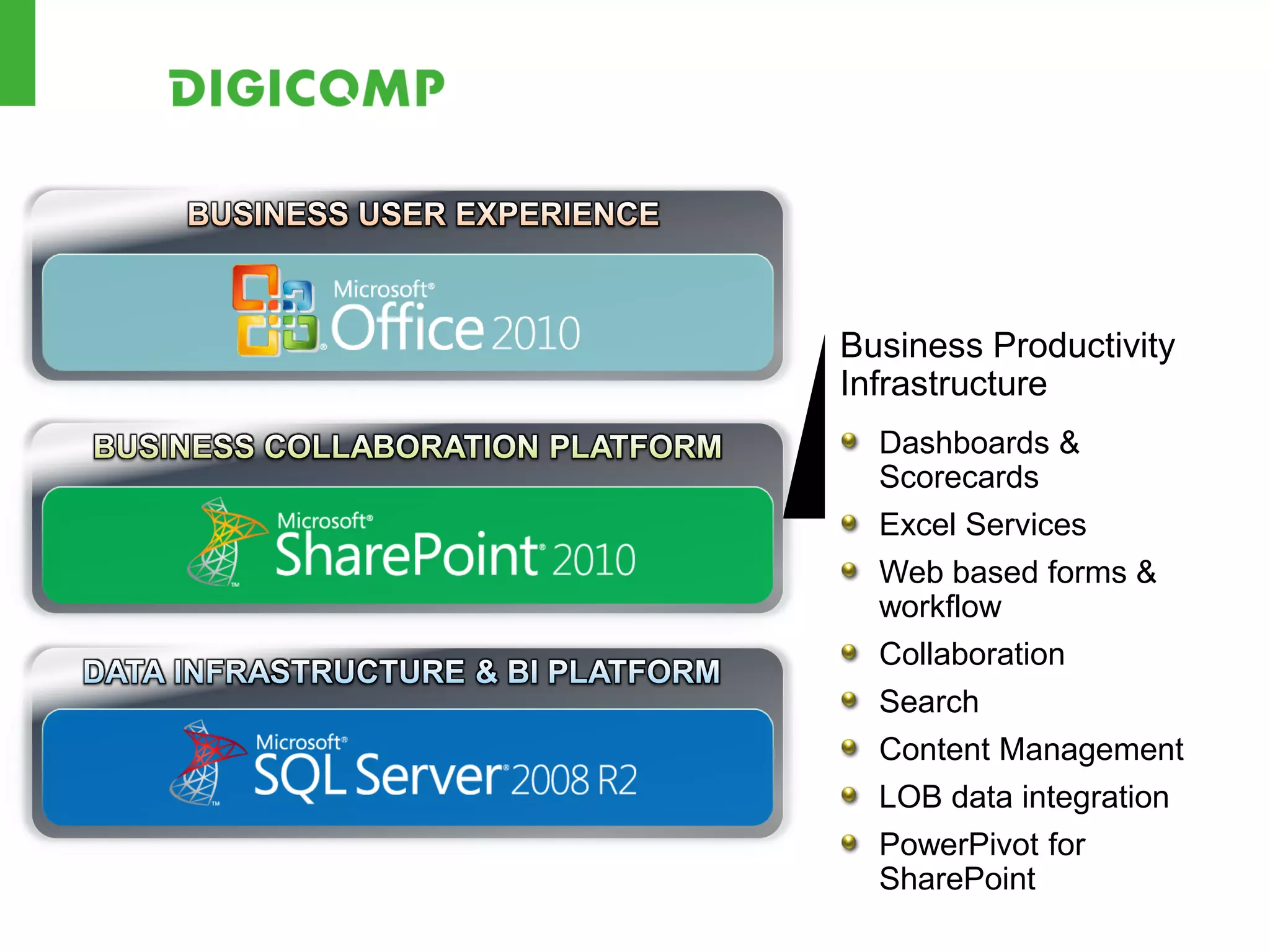
Business Productivity
Infrastructure
  Dashboards &
  Scorecards
  Excel Services
  Web based forms &
  workflow
  Collaboration
  Search
  Content Management
  LOB data integration
  PowerPivot for
  SharePoint
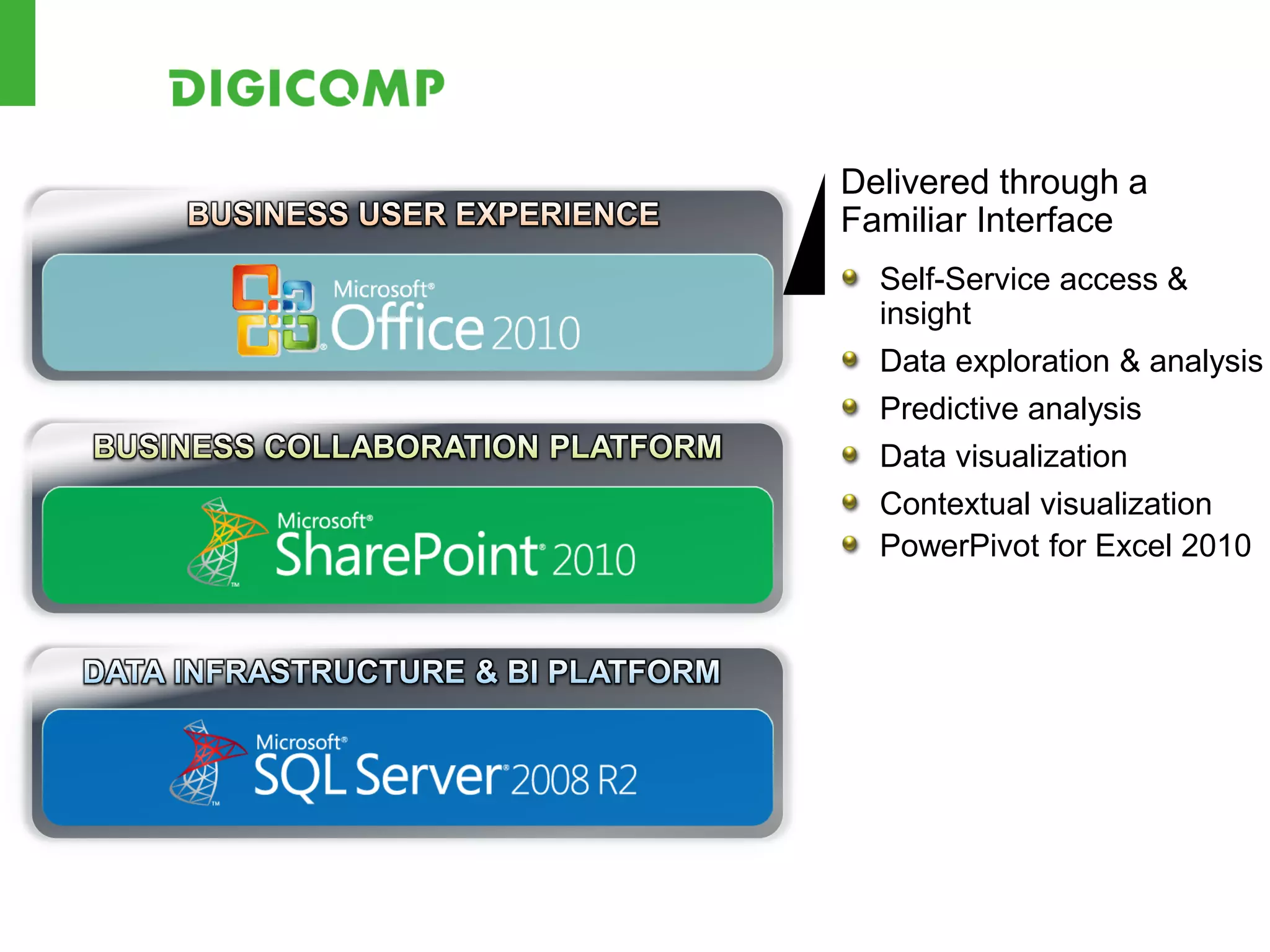
Delivered through a
Familiar Interface
  Self-Service access &
  insight
  Data exploration & analysis
  Predictive analysis
  Data visualization
  Contextual visualization
  PowerPivot for Excel 2010
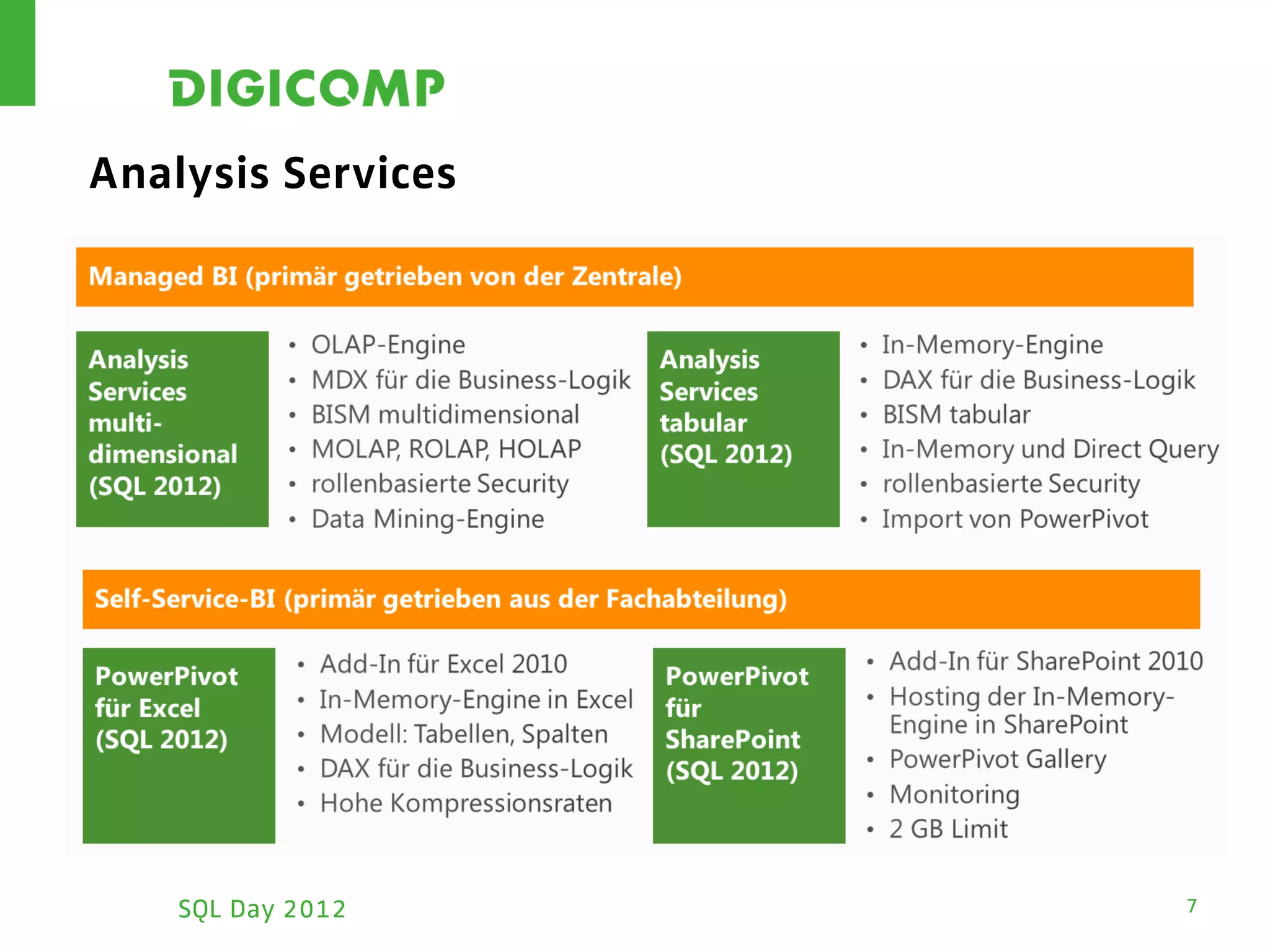
Analysis Services


    SQL Day 2012    7
VIRTUAL MACHINE: DEMO


 SQL Day 2012           8
WAS FÜR WANN? WELCHES
TOOL SETZE ICH WANN EIN?

 SQL Day 2012              9
Sharepoint
 KPI-Webpart
 Chart-Webpart
 Basis-Funktionen


SQL Day 2012         10
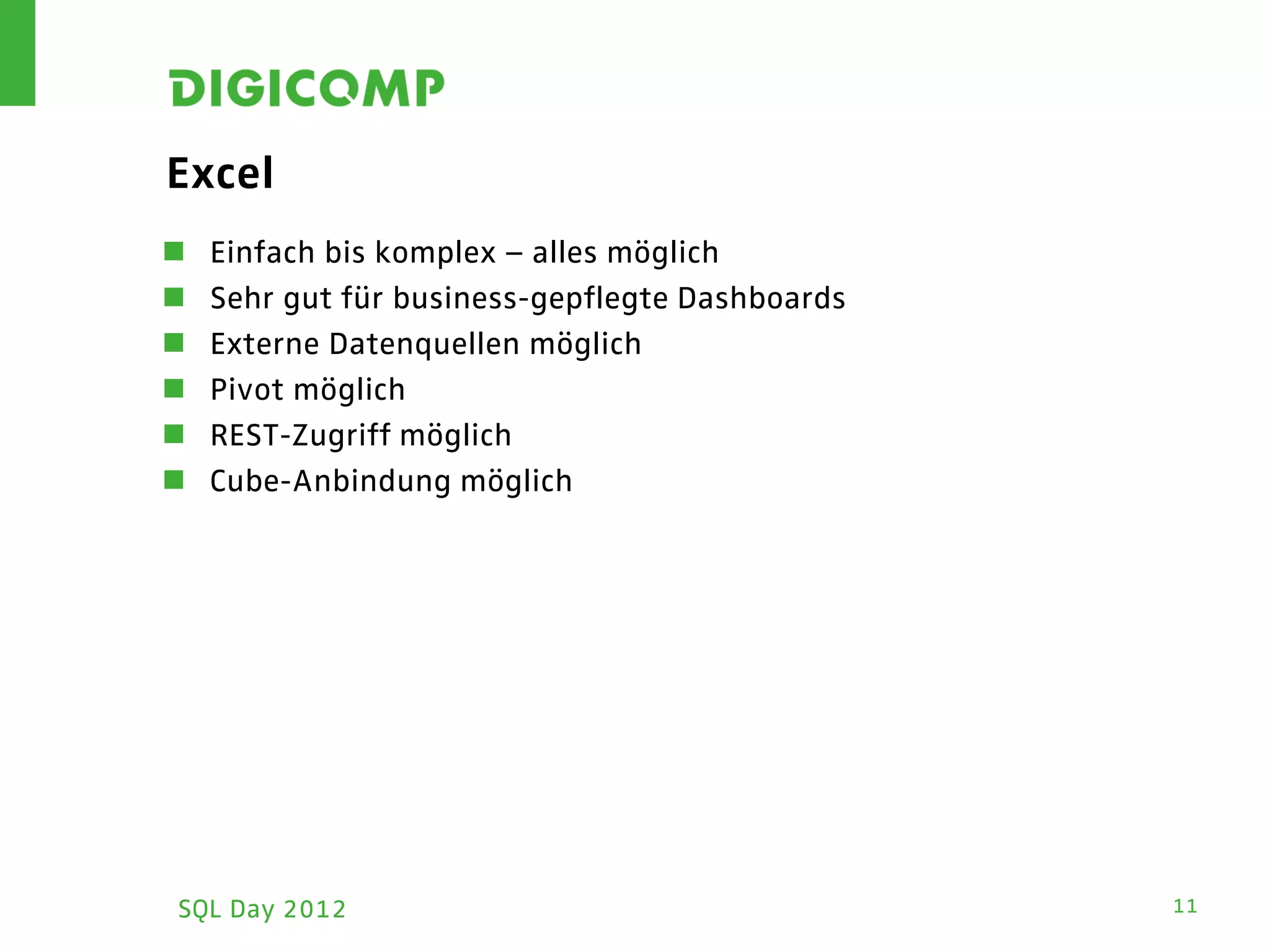
Excel
   Einfach bis komplex – alles möglich
   Sehr gut für business-gepflegte Dashboards
   Externe Datenquellen möglich
   Pivot möglich
   REST-Zugriff möglich
   Cube-Anbindung möglich


SQL Day 2012                                     11
PowerPivot
 Bei unterschiedlichen Datenquellen, die einen gemeinsamen
  Datenlayer brauchen
 Bei grossen Datenmengen
 Nur Pivot ...


 SQL Day 2012                                                 12
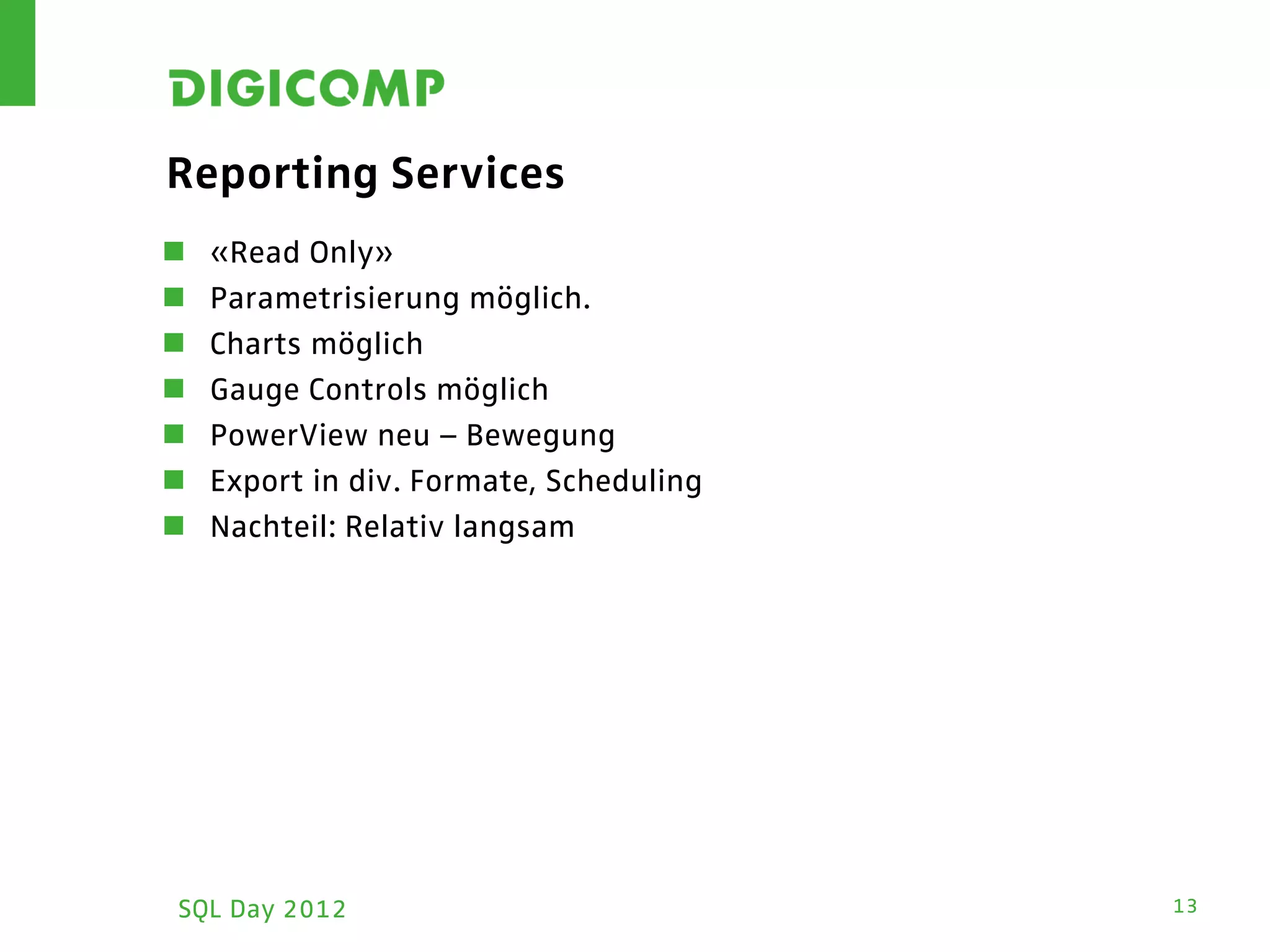
Reporting Services
   «Read Only»
   Parametrisierung möglich.
   Charts möglich
   Gauge Controls möglich
   PowerView neu – Bewegung
   Export in div. Formate, Scheduling
   Nachteil: Relativ langsam


SQL Day 2012                             13
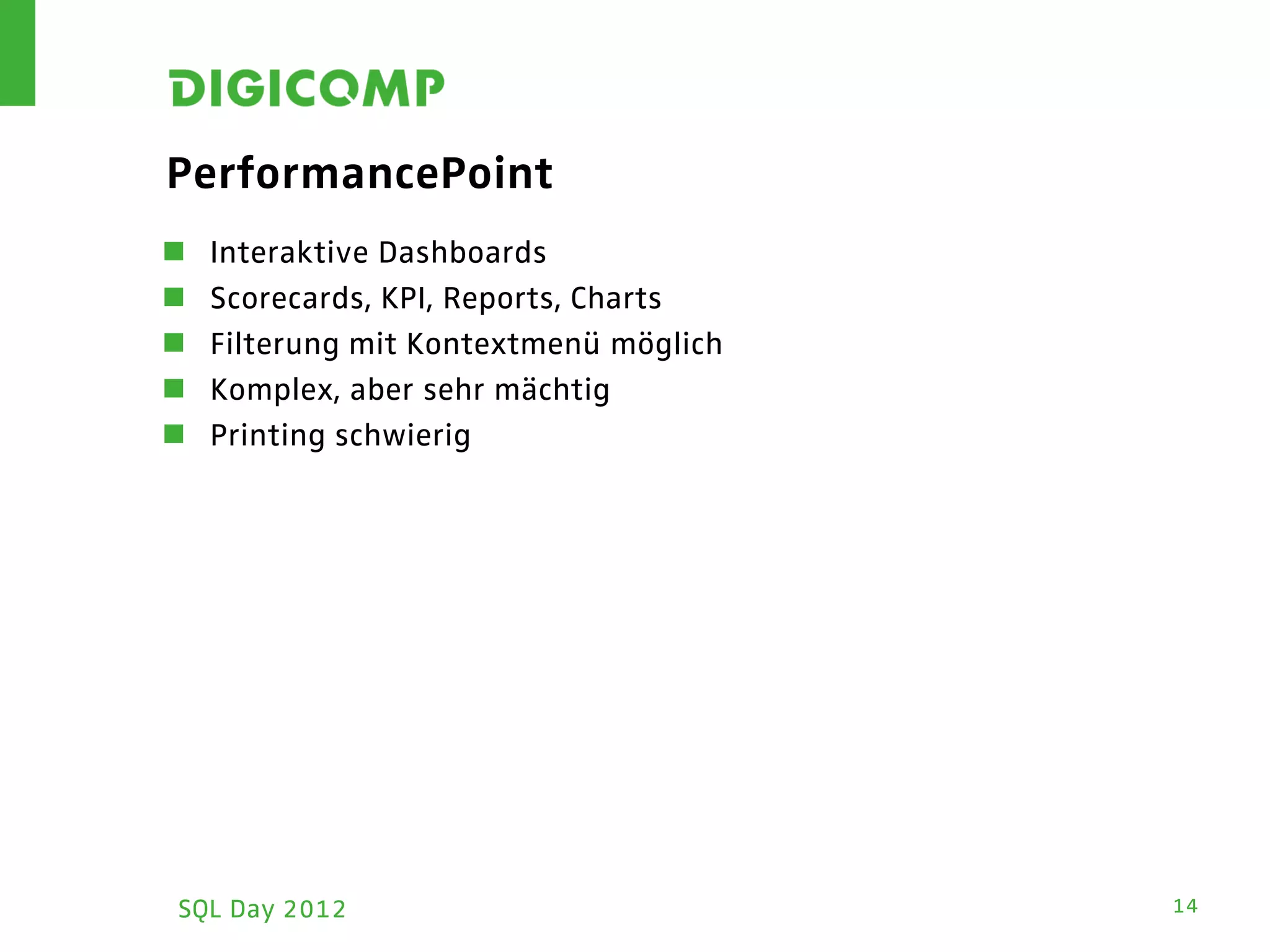
PerformancePoint
   Interaktive Dashboards
   Scorecards, KPI, Reports, Charts
   Filterung mit Kontextmenü möglich
   Komplex, aber sehr mächtig
   Printing schwierig


SQL Day 2012                            14
DEMO: FEATURE WALKTHROUGH


 SQL Day 2012               15
DEMO: EXCEL SERVICES


 SQL Day 2012          16
FRAGEN?


 SQL Day 2012   17

Bi

  • 1.
    Drive your life. BusinessIntelligence Matthias Gessenay Matthias.gessenay@corporatesoftware.ch
  • 2.
    Agenda  Microsofts BI-Stack: Übersicht  Virtual Machine: Demo  Was für wann? Welches Tool setze ich wann ein?  Feature Walkthrough: Demo  Excel Services: Demo SQL Day 2012 2
  • 3.
  • 4.
    Der Microsoft BISolution Stack Data Infrastructure & BI Platform Analysis Services Reporting Services Master Data Services Integration Services Data Mining Data Warehousing
  • 5.
    Business Productivity Infrastructure Dashboards & Scorecards Excel Services Web based forms & workflow Collaboration Search Content Management LOB data integration PowerPivot for SharePoint
  • 6.
    Delivered through a FamiliarInterface Self-Service access & insight Data exploration & analysis Predictive analysis Data visualization Contextual visualization PowerPivot for Excel 2010
  • 7.
    Analysis Services SQL Day 2012 7
  • 8.
    VIRTUAL MACHINE: DEMO SQL Day 2012 8
  • 9.
    WAS FÜR WANN?WELCHES TOOL SETZE ICH WANN EIN? SQL Day 2012 9
  • 10.
    Sharepoint  KPI-Webpart  Chart-Webpart Basis-Funktionen SQL Day 2012 10
  • 11.
    Excel  Einfach bis komplex – alles möglich  Sehr gut für business-gepflegte Dashboards  Externe Datenquellen möglich  Pivot möglich  REST-Zugriff möglich  Cube-Anbindung möglich SQL Day 2012 11
  • 12.
    PowerPivot  Bei unterschiedlichenDatenquellen, die einen gemeinsamen Datenlayer brauchen  Bei grossen Datenmengen  Nur Pivot ... SQL Day 2012 12
  • 13.
    Reporting Services  «Read Only»  Parametrisierung möglich.  Charts möglich  Gauge Controls möglich  PowerView neu – Bewegung  Export in div. Formate, Scheduling  Nachteil: Relativ langsam SQL Day 2012 13
  • 14.
    PerformancePoint  Interaktive Dashboards  Scorecards, KPI, Reports, Charts  Filterung mit Kontextmenü möglich  Komplex, aber sehr mächtig  Printing schwierig SQL Day 2012 14
  • 15.
  • 16.
    DEMO: EXCEL SERVICES SQL Day 2012 16
  • 17.