Web APIs auf dem Prüfstand
Volle Kontrolle oder fertig mit den Azure Mobile Services?
Web APIs
Remote Procedure Calls (RPC)
Verben/Aktionen im Endpunkt enthalten
GetCustomer
InsertInvoice
DeleteCustomer
Jeder Endpunkt entspricht einem eigenen URI
Wo kommen wir her?
REST is kein Standard, verwendet aber Standards
Architekturkonzept
Roy Fielding in 2000
“Architectural Styles and the Design of Network-based Software Architectures”
HTTP Stack, expliziter Gebrauch von HTTP
Methoden/Verben
Representational State Transfer (REST)
Statuslos (stateless)
URIs mit Verzeichnisstruktur
XML, JavaScript Object Notation (JSON) oder beides
Übertragung von Snapshots der Daten im Body
Keine Anweisungen oder Methoden im Body
Grundlegende Entwurfsprinzipien von REST
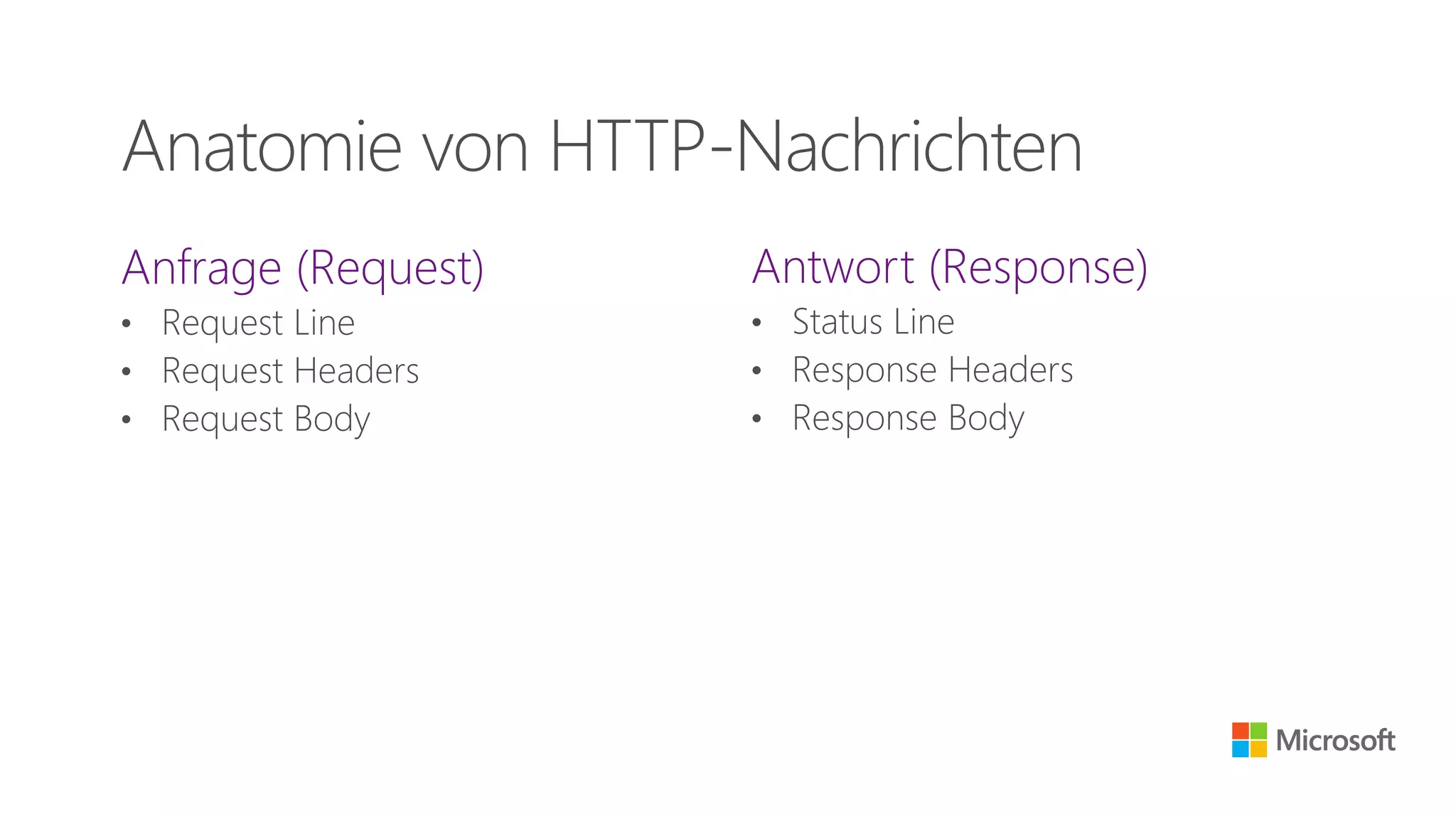
Anfrage (Request)
• Request Line
• Request Headers
• Request Body
Antwort (Response)
• Status Line
• Response Headers
• Response Body
Anatomie von HTTP-Nachrichten
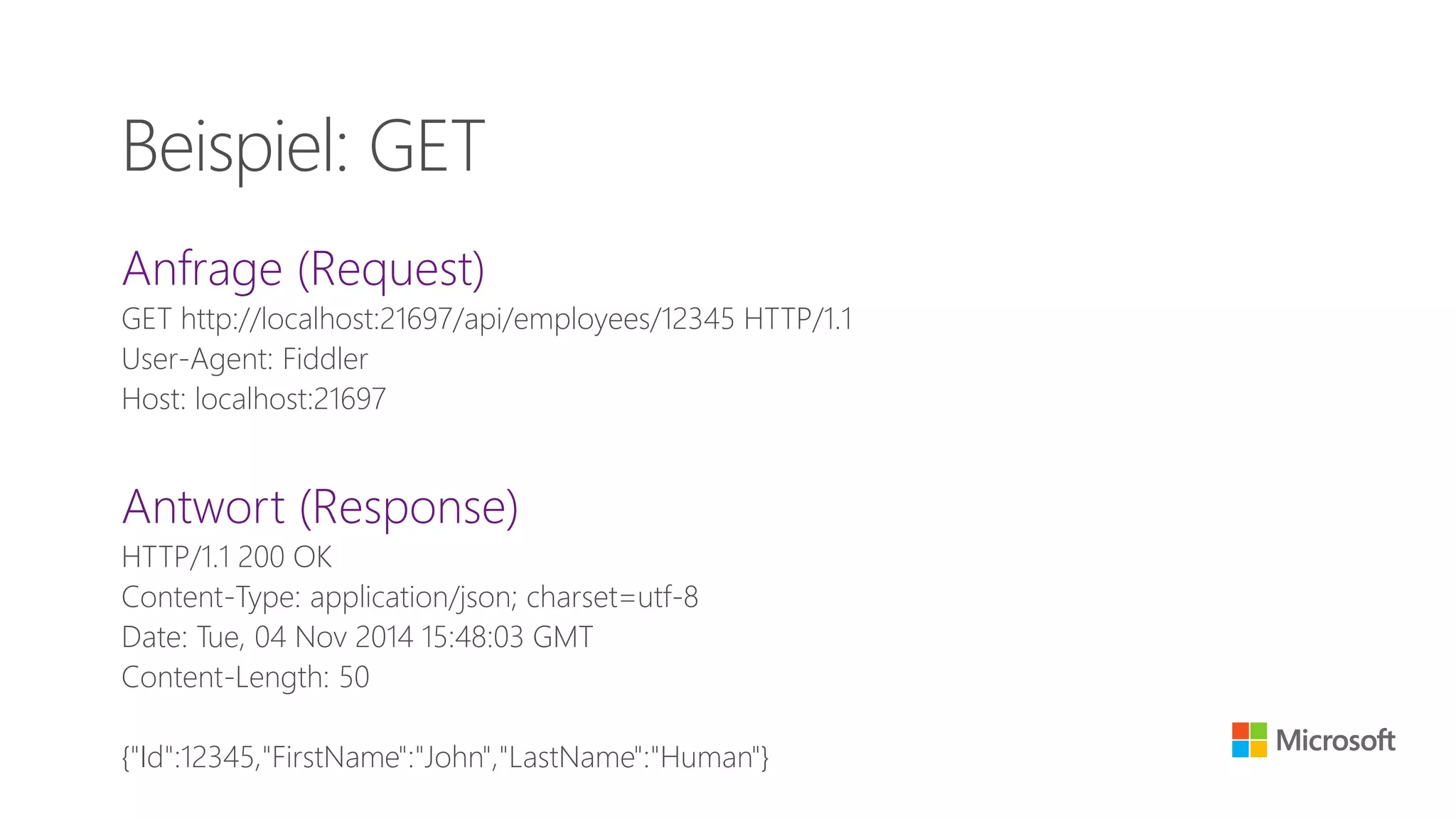
Anfrage (Request)
GET http://localhost:21697/api/employees/12345 HTTP/1.1
User-Agent: Fiddler
Host: localhost:21697
Antwort (Response)
HTTP/1.1 200 OK
Content-Type: application/json; charset=utf-8
Date: Tue, 04 Nov 2014 15:48:03 GMT
Content-Length: 50
{"Id":12345,"FirstName":"John","LastName":"Human"}
Beispiel: GET
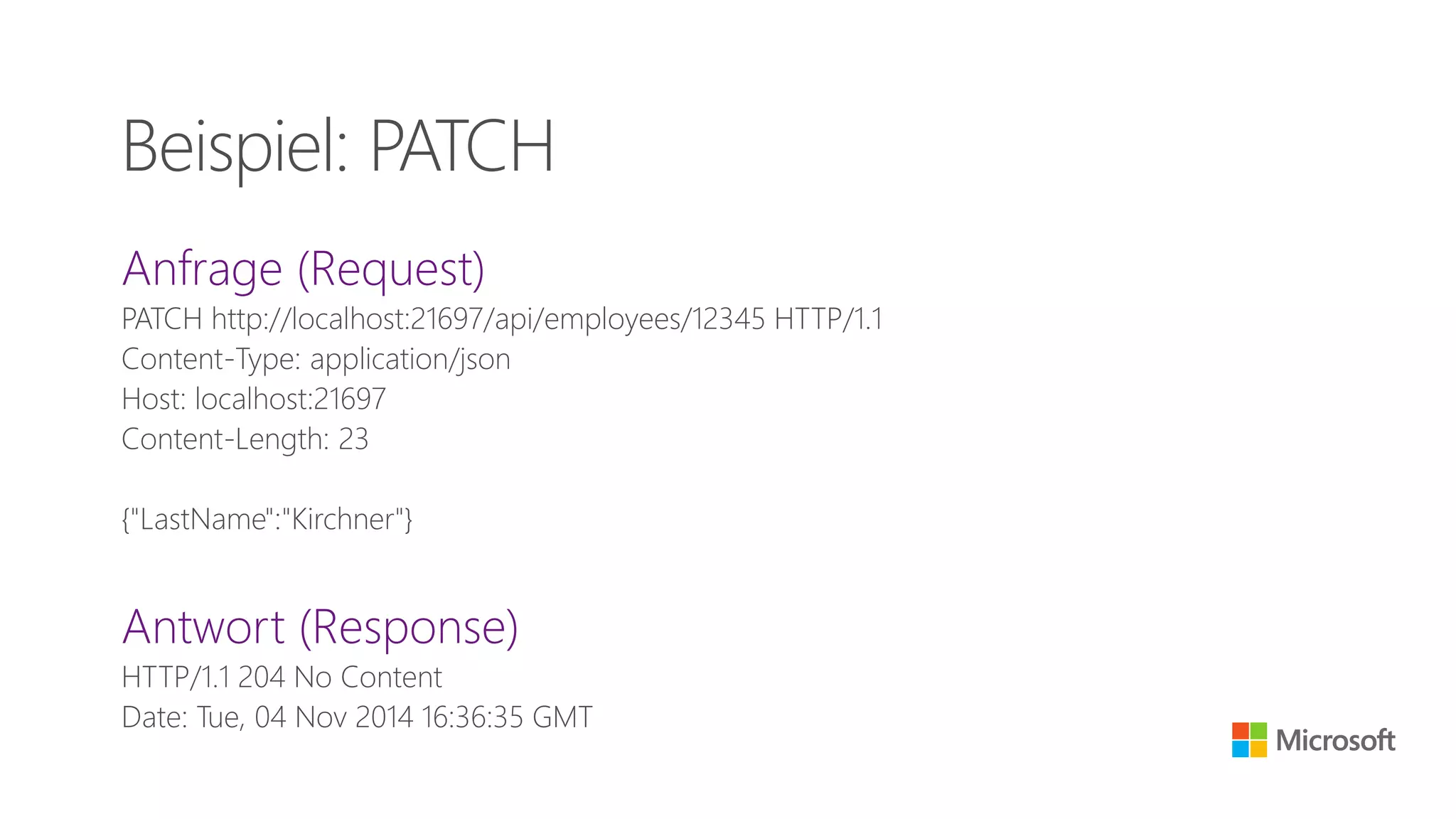
Anfrage (Request)
PATCH http://localhost:21697/api/employees/12345 HTTP/1.1
Content-Type: application/json
Host: localhost:21697
Content-Length: 23
{"LastName":"Kirchner"}
Antwort (Response)
HTTP/1.1 204 No Content
Date: Tue, 04 Nov 2014 16:36:35 GMT
Beispiel: PATCH
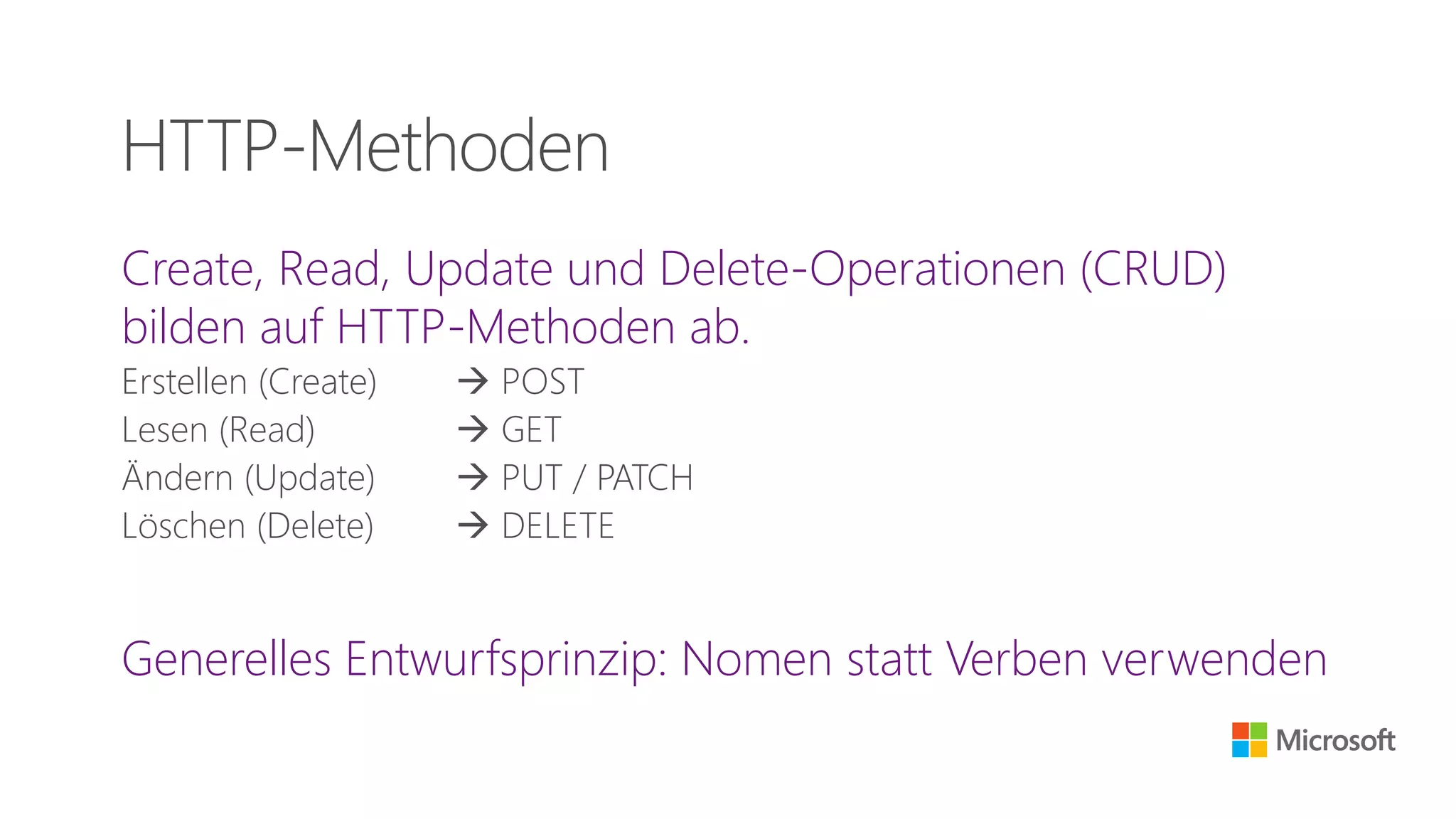
Create, Read, Update und Delete-Operationen (CRUD)
bilden auf HTTP-Methoden ab.
Erstellen (Create)  POST
Lesen (Read)  GET
Ändern (Update)  PUT / PATCH
Löschen (Delete)  DELETE
Generelles Entwurfsprinzip: Nomen statt Verben verwenden
HTTP-Methoden
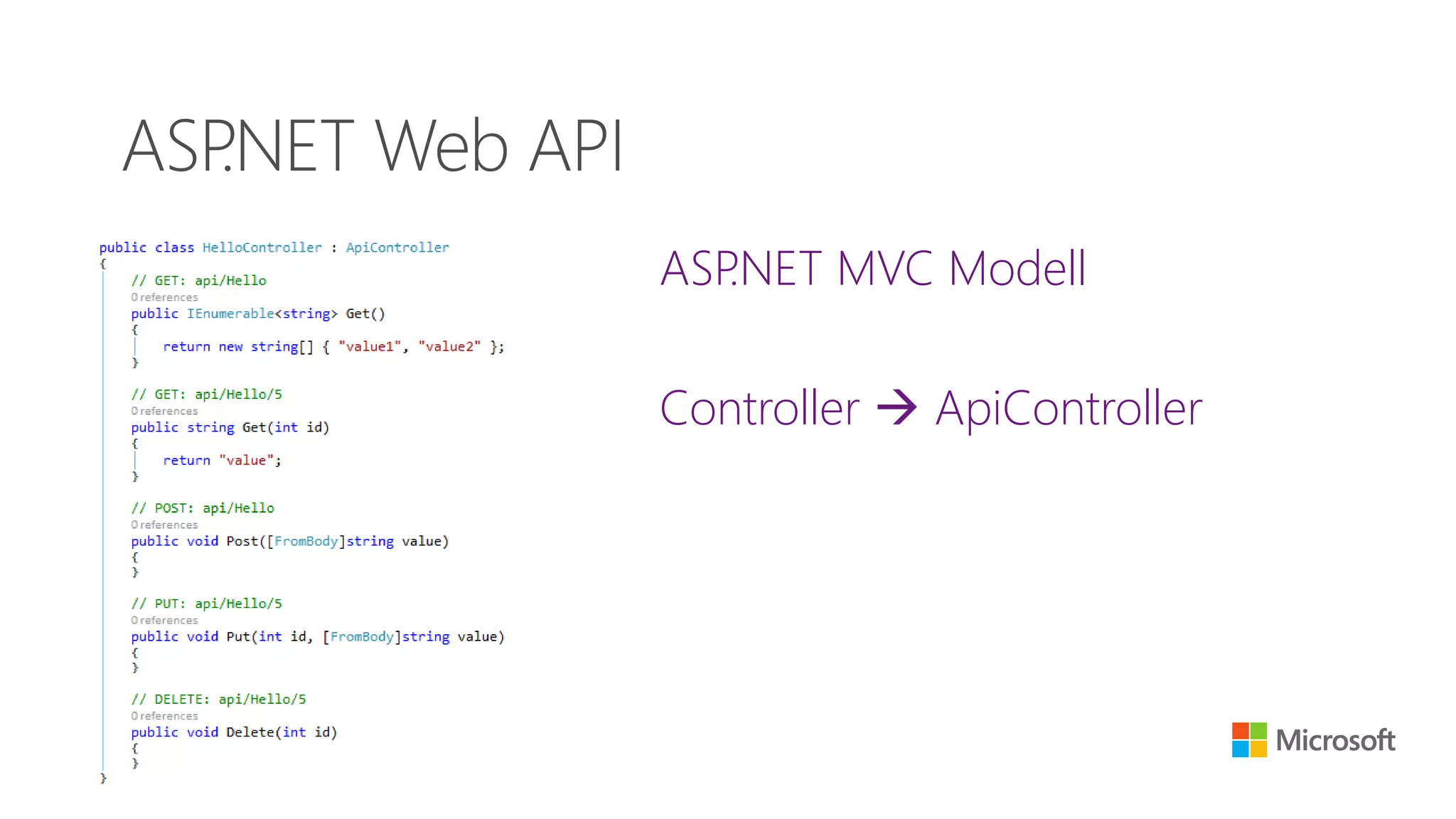
ASP.NET MVC Modell
Controller  ApiController
ASP.NET Web API
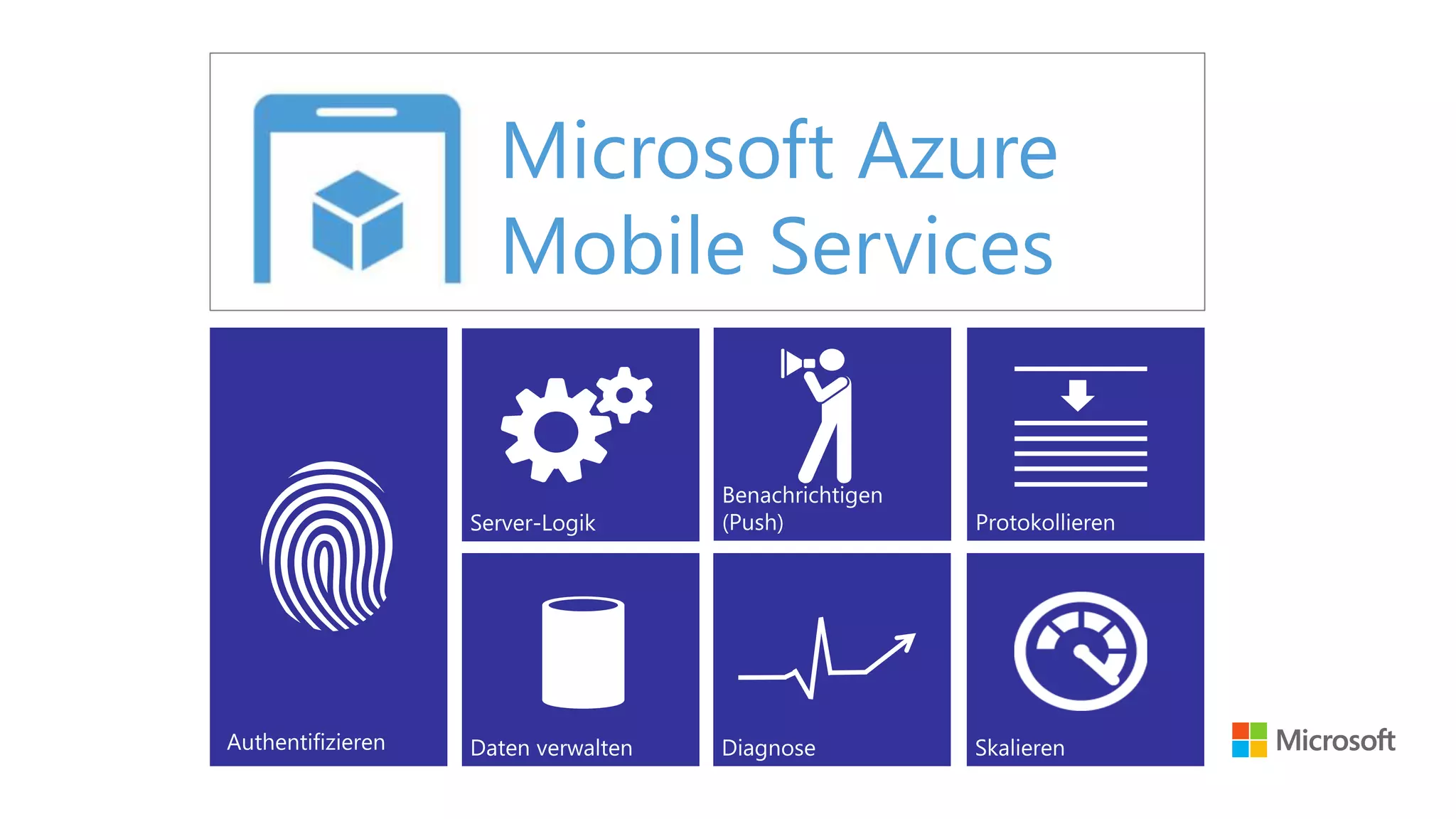
Microsoft Azure
Mobile Services
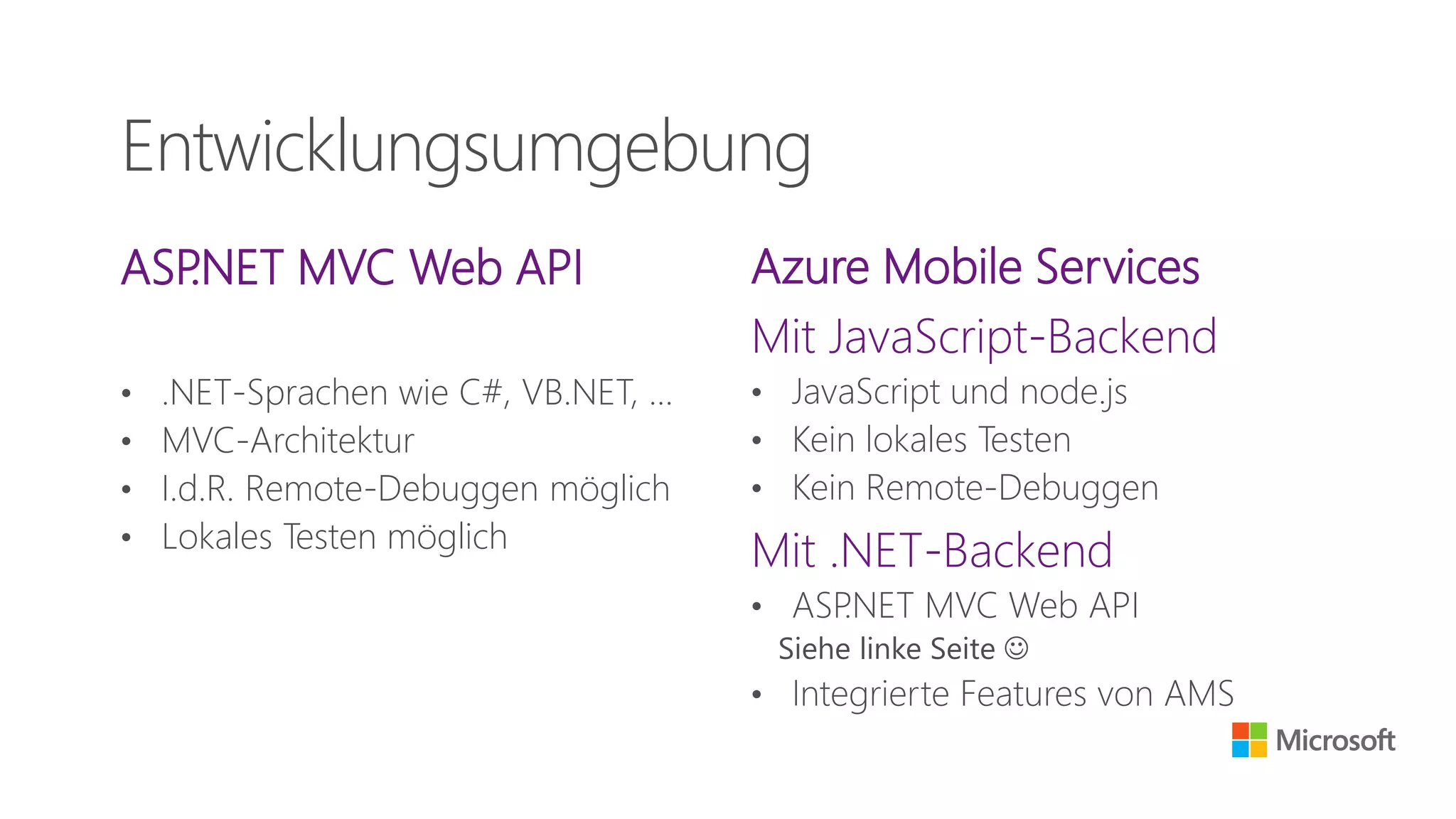
ASP.NET MVC Web API
• .NET-Sprachen wie C#, VB.NET, …
• MVC-Architektur
• I.d.R. Remote-Debuggen möglich
• Lokales Testen möglich
Azure Mobile Services
Mit JavaScript-Backend
• JavaScript und node.js
• Kein lokales Testen
• Kein Remote-Debuggen
Mit .NET-Backend
• ASP.NET MVC Web API
Siehe linke Seite 
• Integrierte Features von AMS
Entwicklungsumgebung
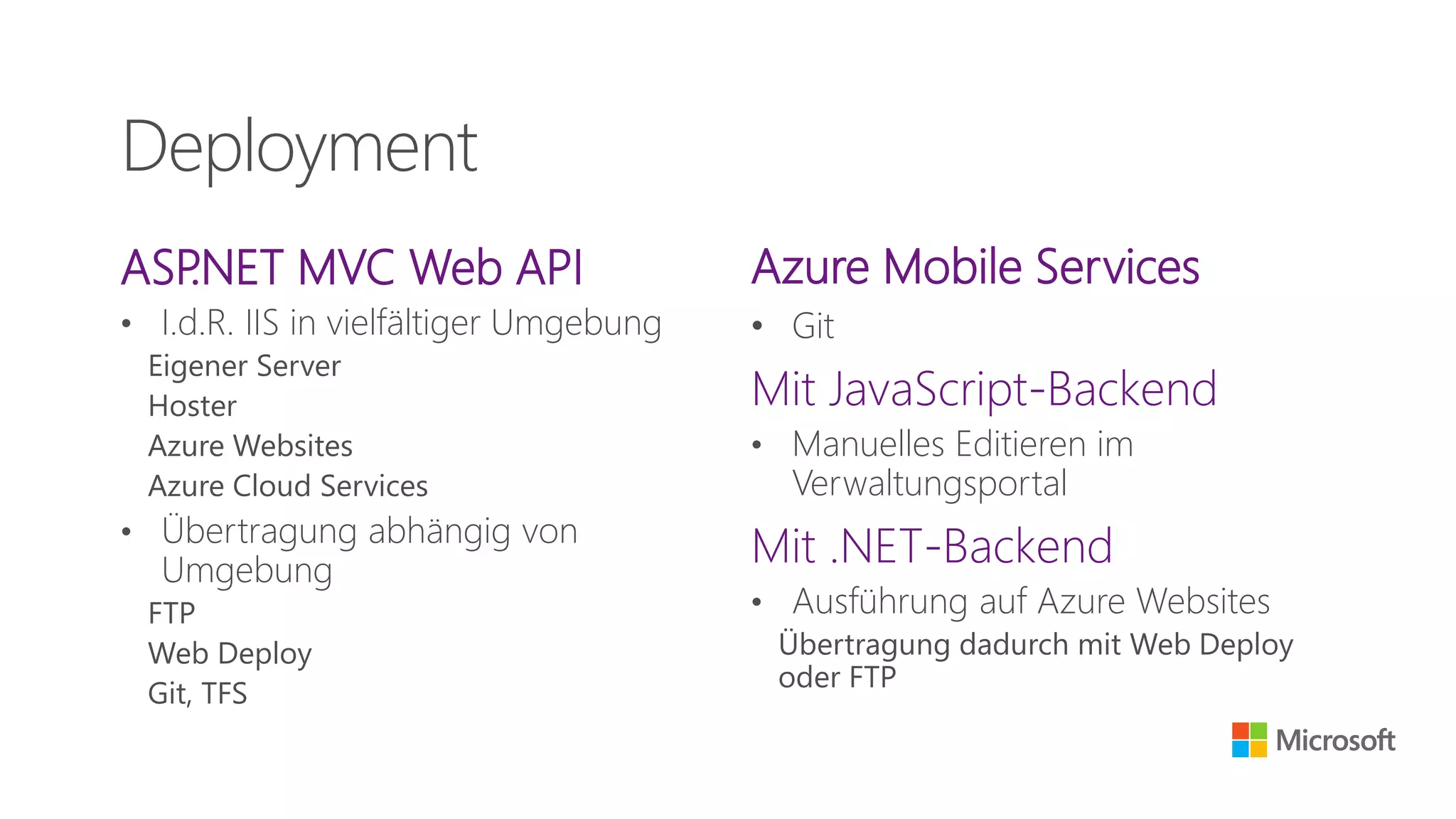
ASP.NET MVC Web API
• I.d.R. IIS in vielfältiger Umgebung
Eigener Server
Hoster
Azure Websites
Azure Cloud Services
• Übertragung abhängig von
Umgebung
FTP
Web Deploy
Git, TFS
Azure Mobile Services
• Git
Mit JavaScript-Backend
• Manuelles Editieren im
Verwaltungsportal
Mit .NET-Backend
• Ausführung auf Azure Websites
Übertragung dadurch mit Web Deploy
oder FTP
Deployment
Daten speichern
ASP.NET MVC Web API
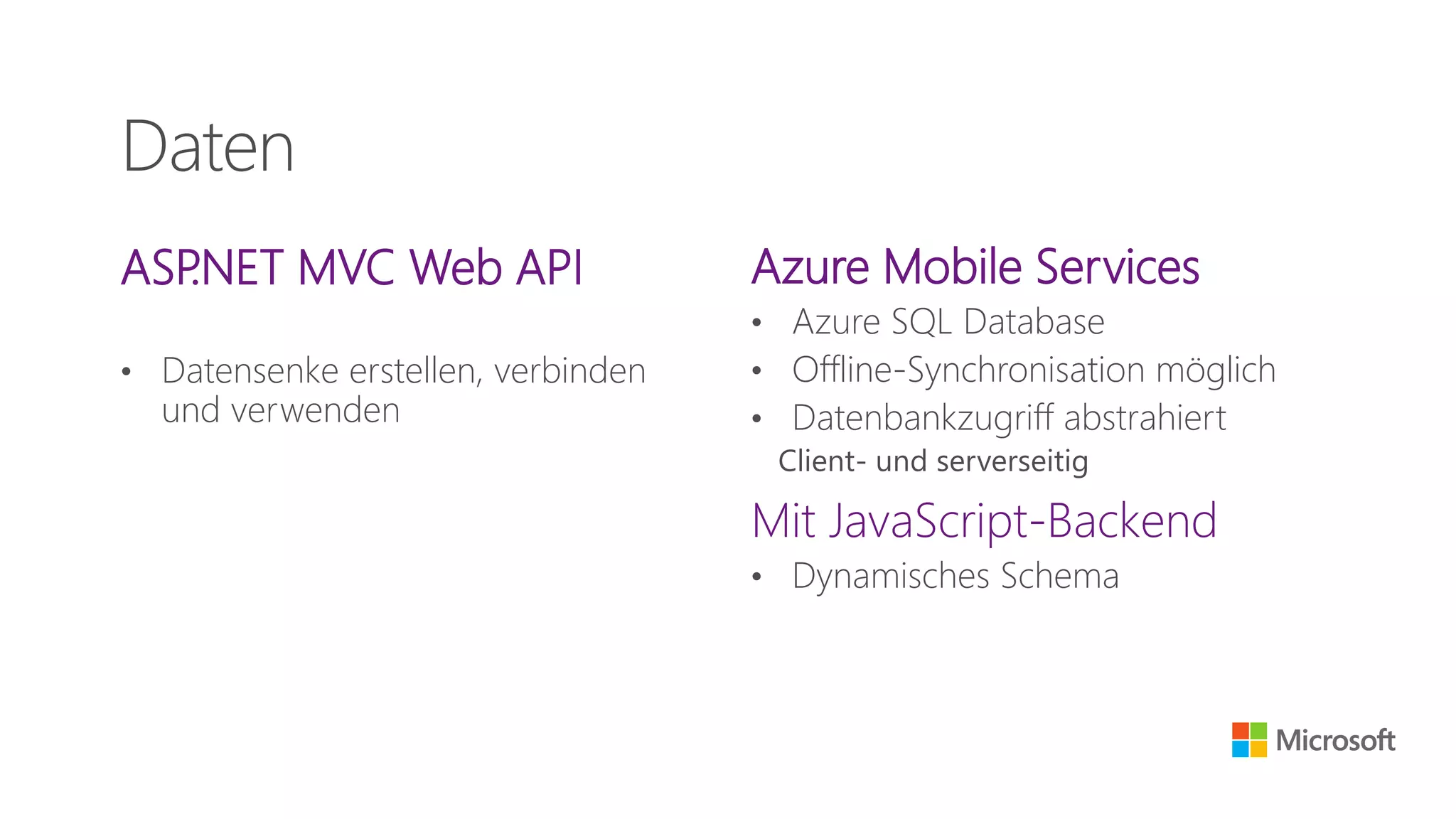
• Datensenke erstellen, verbinden
und verwenden
Azure Mobile Services
• Azure SQL Database
• Offline-Synchronisation möglich
• Datenbankzugriff abstrahiert
Client- und serverseitig
Mit JavaScript-Backend
• Dynamisches Schema
Daten
Integration
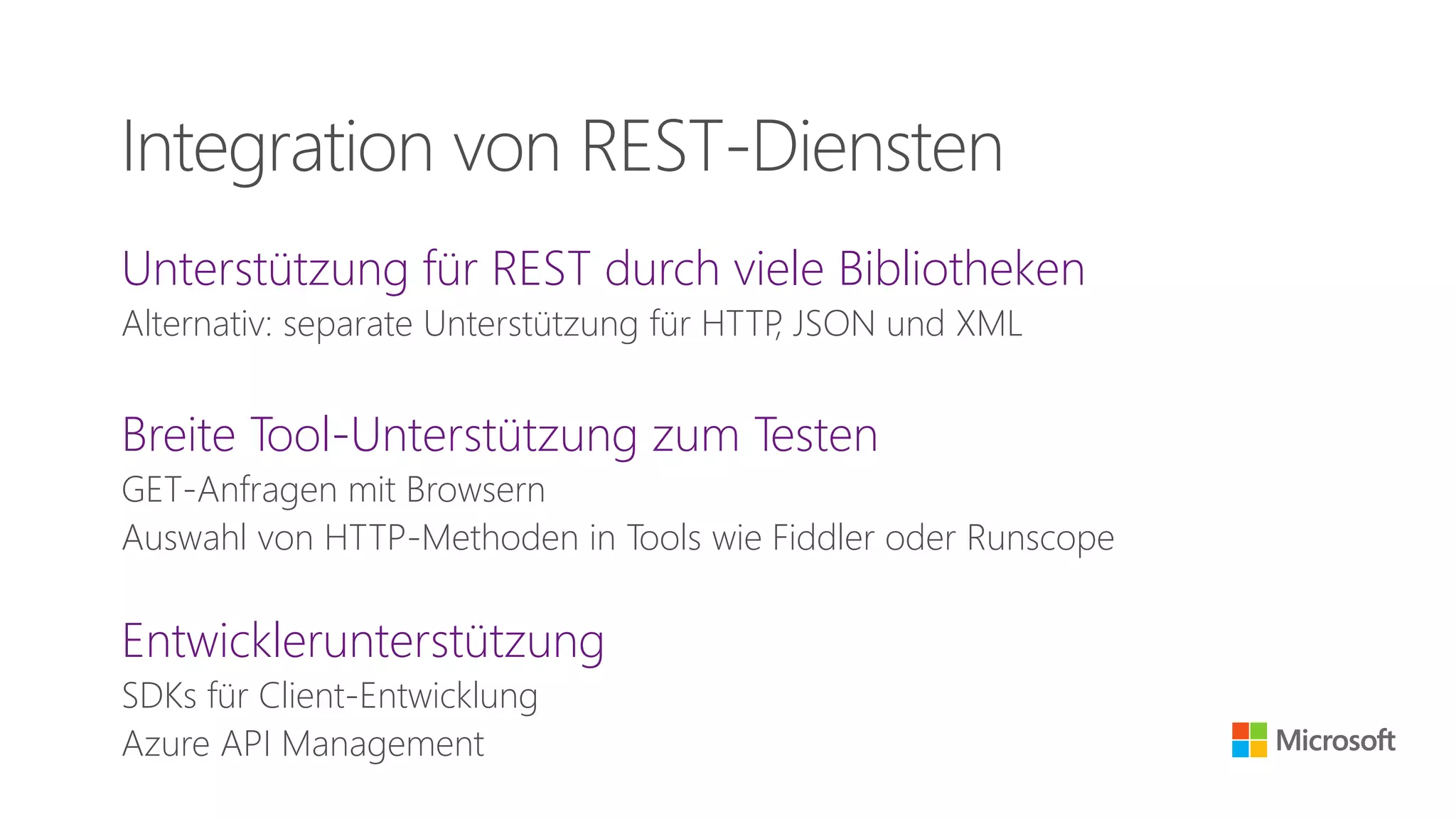
Unterstützung für REST durch viele Bibliotheken
Alternativ: separate Unterstützung für HTTP, JSON und XML
Breite Tool-Unterstützung zum Testen
GET-Anfragen mit Browsern
Auswahl von HTTP-Methoden in Tools wie Fiddler oder Runscope
Entwicklerunterstützung
SDKs für Client-Entwicklung
Azure API Management
Integration von REST-Diensten
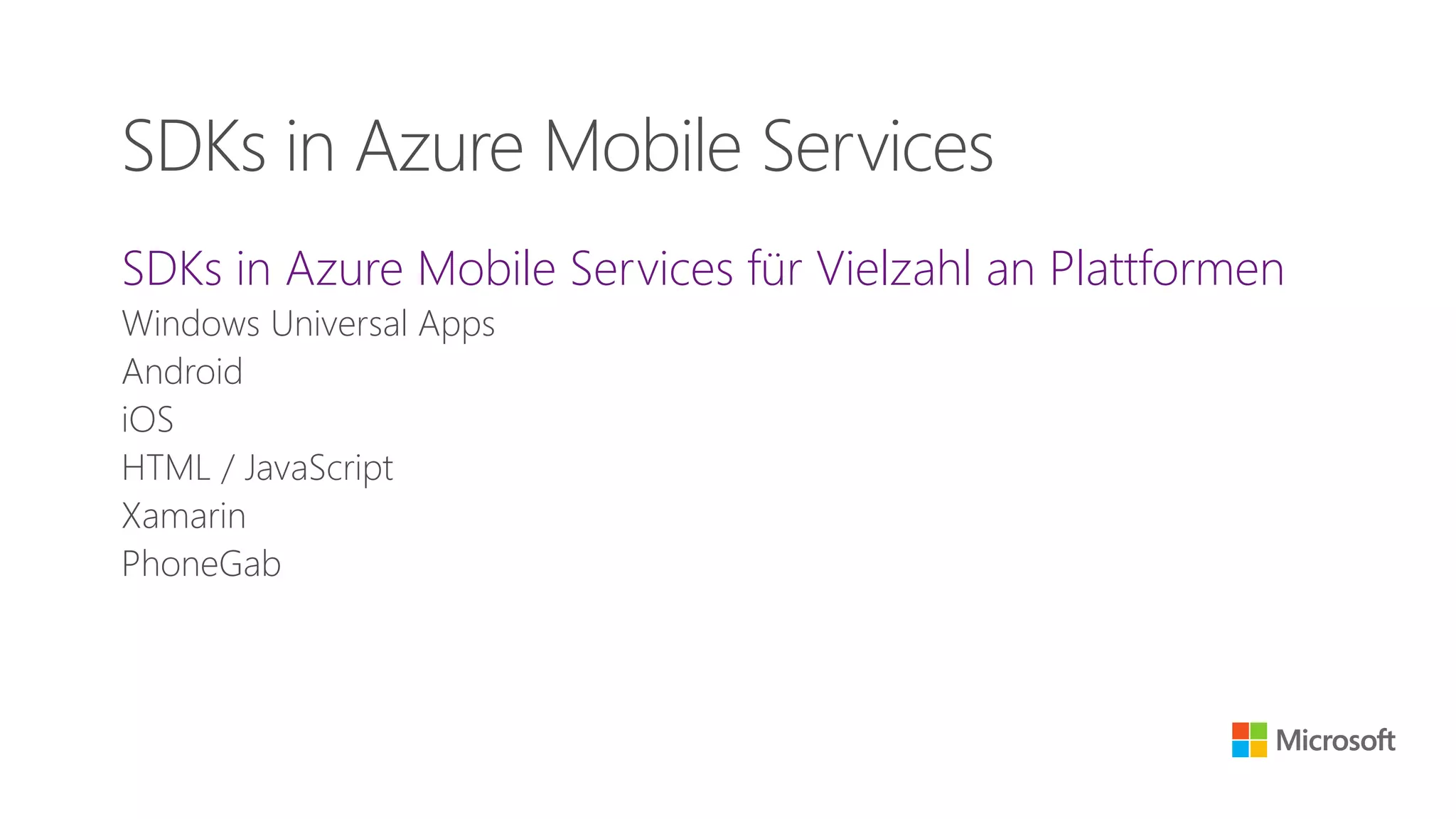
SDKs in Azure Mobile Services für Vielzahl an Plattformen
Windows Universal Apps
Android
iOS
HTML / JavaScript
Xamarin
PhoneGab
SDKs in Azure Mobile Services
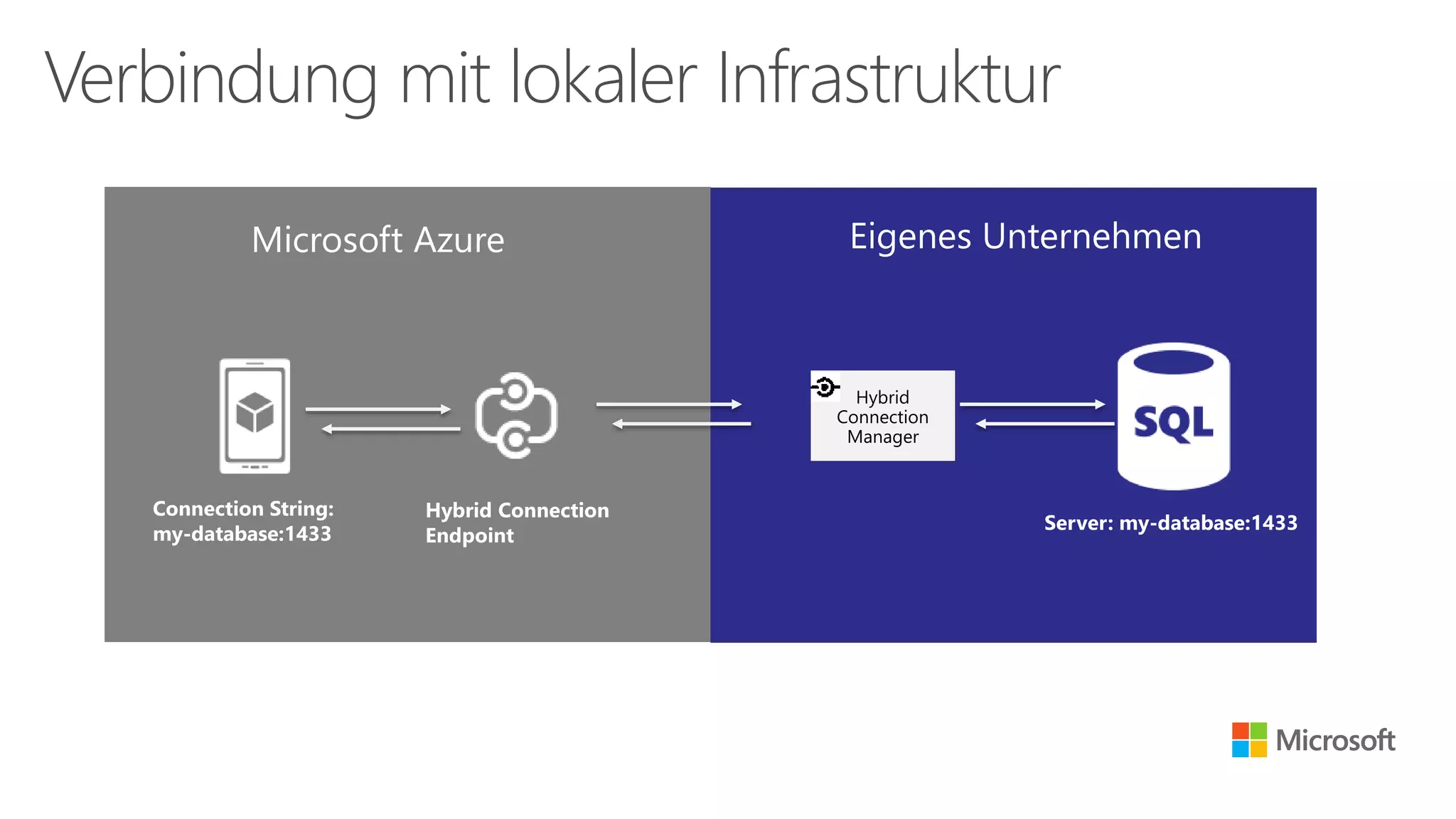
Verbindung mit lokaler Infrastruktur
Connection String:
my-database:1433
Hybrid
Connection
Manager
Server: my-database:1433
Hybrid Connection
Endpoint
http://azure.microsoft.com/en-us/documentation/articles/mobile-services-dotnet-backend-hybrid-connections-get-started/
Absicherung
Konfiguration entspricht der Einrichtung von Web-Servern
Unabhängig von REST oder Web API
Konfiguration abhängig von der Installation
Hoster
VMs
Azure Website
Cloud Service
Azure Mobile Service
TLS / SSL
ASP.NET MVC Web API
• Implementierung bei ASP.NET MVC
Web API benutzerdefiniert
Azure Mobile Services
Beinhaltet SSO-Provider
• Twitter
• Google
• Facebook
• Microsoft-Konto
• Azure Active Directory
Authentifikation
Resumé
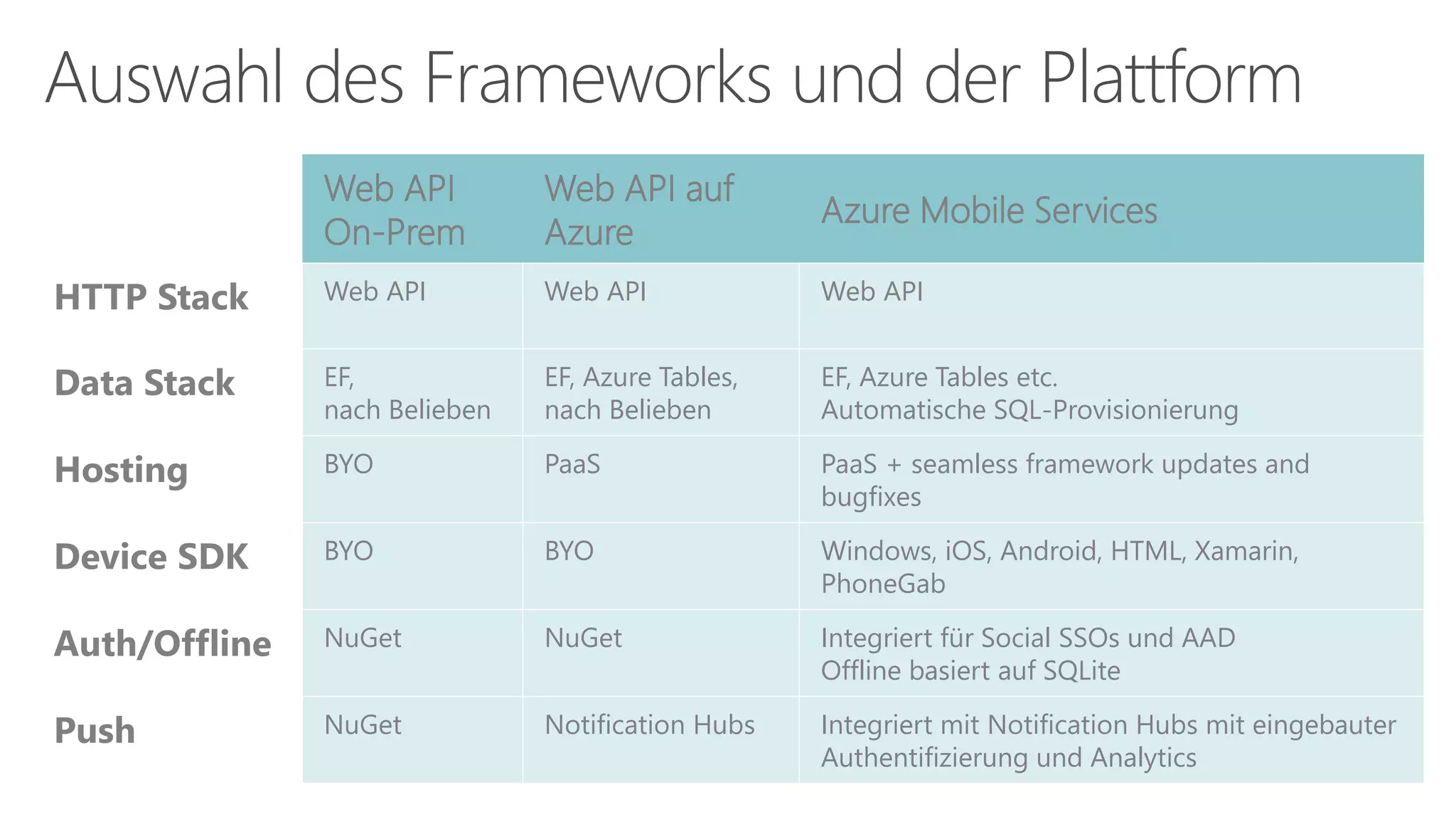
Auswahl des Frameworks und der Plattform
Web API
On-Prem
Web API auf
Azure
Azure Mobile Services
HTTP Stack Web API Web API Web API
Data Stack EF,
nach Belieben
EF, Azure Tables,
nach Belieben
EF, Azure Tables etc.
Automatische SQL-Provisionierung
Hosting BYO PaaS PaaS + seamless framework updates and
bugfixes
Device SDK BYO BYO Windows, iOS, Android, HTML, Xamarin,
PhoneGab
Auth/Offline NuGet NuGet Integriert für Social SSOs und AAD
Offline basiert auf SQLite
Push NuGet Notification Hubs Integriert mit Notification Hubs mit eingebauter
Authentifizierung und Analytics
© 2014 Microsoft Corporation. All rights reserved. Because
Microsoft must respond to changing market conditions, it should
not be interpreted to be a commitment on the part of Microsoft,
and Microsoft cannot guarantee the accuracy of any information
provided after the date of this presentation. MICROSOFT MAKES
NO WARRANTIES, EXPRESS, IMPLIED OR STATUTORY, AS TO THE
INFORMATION IN THIS PRESENTATION.
Vielen Dank Peter.Kirchner
@Microsoft.com
blogs.msdn.com/
pkirchner
Twitter:
@peterkirchner

Web APIs auf dem Prüfstand - Volle Kontrolle oder fertig mit den Azure Mobile Services? (Microsoft Technical Summit 2014)

  • 1.
    Web APIs aufdem Prüfstand Volle Kontrolle oder fertig mit den Azure Mobile Services?
  • 2.
  • 3.
    Remote Procedure Calls(RPC) Verben/Aktionen im Endpunkt enthalten GetCustomer InsertInvoice DeleteCustomer Jeder Endpunkt entspricht einem eigenen URI Wo kommen wir her?
  • 4.
    REST is keinStandard, verwendet aber Standards Architekturkonzept Roy Fielding in 2000 “Architectural Styles and the Design of Network-based Software Architectures” HTTP Stack, expliziter Gebrauch von HTTP Methoden/Verben Representational State Transfer (REST)
  • 5.
    Statuslos (stateless) URIs mitVerzeichnisstruktur XML, JavaScript Object Notation (JSON) oder beides Übertragung von Snapshots der Daten im Body Keine Anweisungen oder Methoden im Body Grundlegende Entwurfsprinzipien von REST
  • 6.
    Anfrage (Request) • RequestLine • Request Headers • Request Body Antwort (Response) • Status Line • Response Headers • Response Body Anatomie von HTTP-Nachrichten
  • 7.
    Anfrage (Request) GET http://localhost:21697/api/employees/12345HTTP/1.1 User-Agent: Fiddler Host: localhost:21697 Antwort (Response) HTTP/1.1 200 OK Content-Type: application/json; charset=utf-8 Date: Tue, 04 Nov 2014 15:48:03 GMT Content-Length: 50 {"Id":12345,"FirstName":"John","LastName":"Human"} Beispiel: GET
  • 8.
    Anfrage (Request) PATCH http://localhost:21697/api/employees/12345HTTP/1.1 Content-Type: application/json Host: localhost:21697 Content-Length: 23 {"LastName":"Kirchner"} Antwort (Response) HTTP/1.1 204 No Content Date: Tue, 04 Nov 2014 16:36:35 GMT Beispiel: PATCH
  • 9.
    Create, Read, Updateund Delete-Operationen (CRUD) bilden auf HTTP-Methoden ab. Erstellen (Create)  POST Lesen (Read)  GET Ändern (Update)  PUT / PATCH Löschen (Delete)  DELETE Generelles Entwurfsprinzip: Nomen statt Verben verwenden HTTP-Methoden
  • 10.
    ASP.NET MVC Modell Controller ApiController ASP.NET Web API
  • 12.
  • 14.
    ASP.NET MVC WebAPI • .NET-Sprachen wie C#, VB.NET, … • MVC-Architektur • I.d.R. Remote-Debuggen möglich • Lokales Testen möglich Azure Mobile Services Mit JavaScript-Backend • JavaScript und node.js • Kein lokales Testen • Kein Remote-Debuggen Mit .NET-Backend • ASP.NET MVC Web API Siehe linke Seite  • Integrierte Features von AMS Entwicklungsumgebung
  • 15.
    ASP.NET MVC WebAPI • I.d.R. IIS in vielfältiger Umgebung Eigener Server Hoster Azure Websites Azure Cloud Services • Übertragung abhängig von Umgebung FTP Web Deploy Git, TFS Azure Mobile Services • Git Mit JavaScript-Backend • Manuelles Editieren im Verwaltungsportal Mit .NET-Backend • Ausführung auf Azure Websites Übertragung dadurch mit Web Deploy oder FTP Deployment
  • 16.
  • 17.
    ASP.NET MVC WebAPI • Datensenke erstellen, verbinden und verwenden Azure Mobile Services • Azure SQL Database • Offline-Synchronisation möglich • Datenbankzugriff abstrahiert Client- und serverseitig Mit JavaScript-Backend • Dynamisches Schema Daten
  • 19.
  • 20.
    Unterstützung für RESTdurch viele Bibliotheken Alternativ: separate Unterstützung für HTTP, JSON und XML Breite Tool-Unterstützung zum Testen GET-Anfragen mit Browsern Auswahl von HTTP-Methoden in Tools wie Fiddler oder Runscope Entwicklerunterstützung SDKs für Client-Entwicklung Azure API Management Integration von REST-Diensten
  • 21.
    SDKs in AzureMobile Services für Vielzahl an Plattformen Windows Universal Apps Android iOS HTML / JavaScript Xamarin PhoneGab SDKs in Azure Mobile Services
  • 22.
    Verbindung mit lokalerInfrastruktur Connection String: my-database:1433 Hybrid Connection Manager Server: my-database:1433 Hybrid Connection Endpoint http://azure.microsoft.com/en-us/documentation/articles/mobile-services-dotnet-backend-hybrid-connections-get-started/
  • 24.
  • 25.
    Konfiguration entspricht derEinrichtung von Web-Servern Unabhängig von REST oder Web API Konfiguration abhängig von der Installation Hoster VMs Azure Website Cloud Service Azure Mobile Service TLS / SSL
  • 27.
    ASP.NET MVC WebAPI • Implementierung bei ASP.NET MVC Web API benutzerdefiniert Azure Mobile Services Beinhaltet SSO-Provider • Twitter • Google • Facebook • Microsoft-Konto • Azure Active Directory Authentifikation
  • 29.
  • 30.
    Auswahl des Frameworksund der Plattform Web API On-Prem Web API auf Azure Azure Mobile Services HTTP Stack Web API Web API Web API Data Stack EF, nach Belieben EF, Azure Tables, nach Belieben EF, Azure Tables etc. Automatische SQL-Provisionierung Hosting BYO PaaS PaaS + seamless framework updates and bugfixes Device SDK BYO BYO Windows, iOS, Android, HTML, Xamarin, PhoneGab Auth/Offline NuGet NuGet Integriert für Social SSOs und AAD Offline basiert auf SQLite Push NuGet Notification Hubs Integriert mit Notification Hubs mit eingebauter Authentifizierung und Analytics
  • 31.
    © 2014 MicrosoftCorporation. All rights reserved. Because Microsoft must respond to changing market conditions, it should not be interpreted to be a commitment on the part of Microsoft, and Microsoft cannot guarantee the accuracy of any information provided after the date of this presentation. MICROSOFT MAKES NO WARRANTIES, EXPRESS, IMPLIED OR STATUTORY, AS TO THE INFORMATION IN THIS PRESENTATION. Vielen Dank Peter.Kirchner @Microsoft.com blogs.msdn.com/ pkirchner Twitter: @peterkirchner

Hinweis der Redaktion

  • #5 ASP.NET MVC Web API Azure Mobile Services CRUD  Post, Put, Delete, Patch While REST is not a standard, it does use standards: HTTP URL XML/HTML/GIF/JPEG/etc (Resource Representations) text/xml, text/html, image/gif, image/jpeg, etc (MIME Types)
  • #11 Wie funktioniert es?  Wie programmiert man es? Wie sieht es aus Client-Sicht aus?  Code
  • #12 Mit VS eine Web API in C# bauen. Die Web API lokal ansprechen. (Mit Fiddler.)
  • #14 Was sind die AMS? Was können sie? Backend JS und .NET: Unterschiede Code und Portal Daten-Backend: Azure SQL Database
  • #15 Azure Mobile Service in Azure mit JS-Backend erstellen Azure Mobile Service in Azure mit .NET-Backend erstellen Das .NET-Backend ist WebAPI. Daher in Folge nur noch Vergleich zum JS-Backend. Custom API über Fiddler aufrufen.
  • #21 Daten speichern im ASP.NET MVC Web API Projekt Daten speichern im Azure Mobile Service (JS / .NET)
  • #25 Using the REST Services with .NET http://msdn.microsoft.com/en-us/library/jj819168.aspx Java 7 - Mehr als eine Insel - RESTful Web-Services http://openbook.galileocomputing.de/java7/1507_13_002.html Runscope: www.runscope.com
  • #27 Beispiel aus den Azure Mobile Services des Schnellstarts für Windows.
  • #28 Beispiel aus den Azure Mobile Services des Schnellstarts für Android.
  • #30 Quick Start in Azure Mobile Services, Universal App (und Android) Hybrid Connection
  • #32 Integriert bei AMS und nicht änderbar
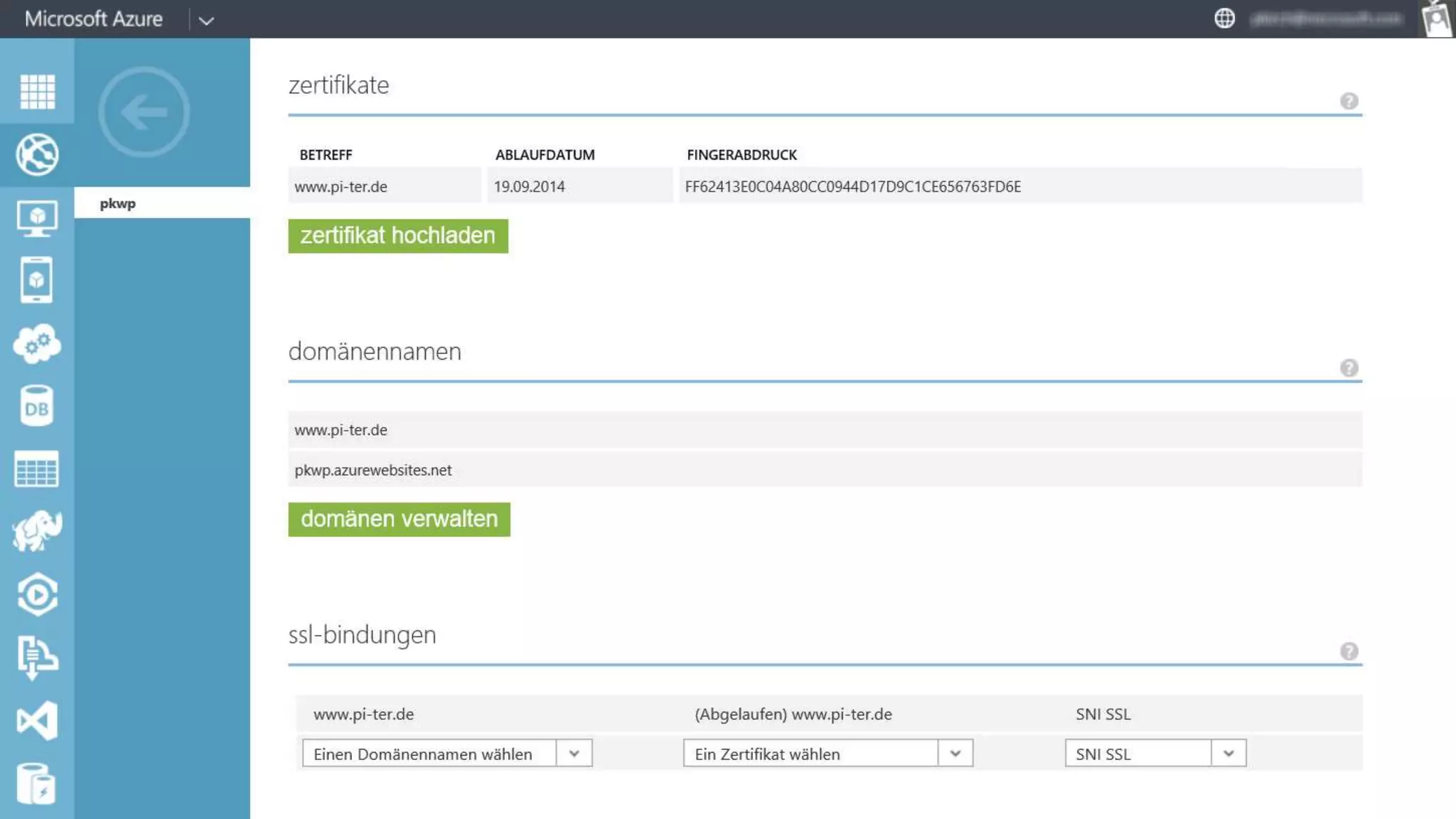
  • #33 Beispiel für die Konfiguration bei Azure Websites
  • #35 Authentifikation mit AMS und FB
  • #38 Diese Folie als Sprechernotizen verwenden.