


Das iPad für den Entscheider


1
WORUM GEHT ES HEUTE?


2
HARDWARE?


3
SOFTWARE?


4
KULTOBJEKT?


5
HYPE?


6
7
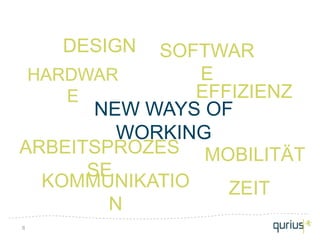
DESIGN  SOFTWAR
 HARDWAR       E
    E          EFFIZIENZ
       NEW WAYS OF
         WORKING
ARBEITSPROZES MOBILITÄT
      SE
  KOMMUNIKATIO    ZEIT
        N
8
DER ANFANG


9
Agenda

• „Das iPad als Werkzeug“ (Andreas
  Kollmorgen, Qurius)
• „Das iPad im Workflow“ (Andreas
  Hairer, loboDMS)
• „Das iPad“ (Volker Neumann, Apple)
• Olaf Dierig (Qurius)


10
11
12
13
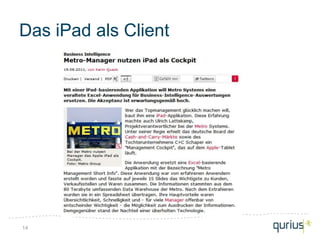
Das iPad als Client


14
Webcontent


15
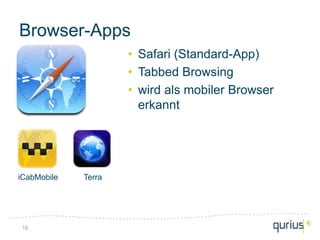
Browser-Apps
                     • Safari (Standard-App)
                     • Tabbed Browsing
                     • wird als mobiler Browser
                       erkannt


iCabMobile   Terra


16
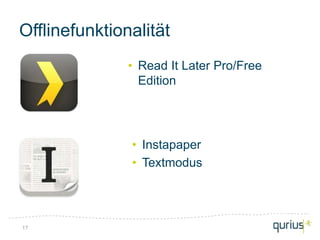
Offlinefunktionalität
               • Read It Later Pro/Free
                 Edition


               • Instapaper
               • Textmodus


17
18
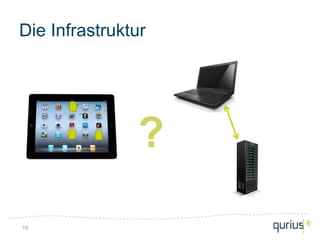
Die Infrastruktur


               ?
19
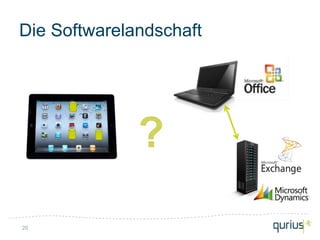
Die Softwarelandschaft


              ?
20
21
FileBrowser
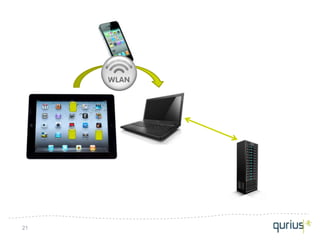
              • Direkte Verbindung iPad-PC
              • Gemeinsames WLAN
                notwendig


22
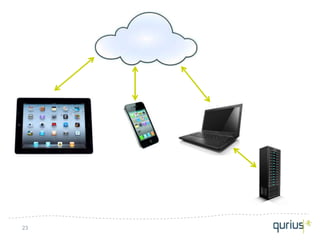
23
Onlinespeicher


24
Dropbox
          •   Weboberfläche
          •   Speicher: amazon S3
          •   PC-Applikation
          •   Automatische Synchronisation
          •   Kopien im Konfliktfall
          •   Versionierung
          •   Offlinefunktionalität
          •   Freigabemöglichkeit
          •   Kosten
              –   Basic (2 GB): kostenlos
              –   Pro 50: 9,99$/Monat
              –   Pro 100: 19,99$/Monat
              –   Teams: $795/a für 5 User


25
Filehandling


GoodReader                 ReaddleDocs for iPad
• Onlineserver-Zugriff
  (WebDAV, Dropbox, FTP)
• Lokale Server (WiFi)
• PDF kommentieren
• Word-Dokumente lesen
• Status (read/unread)

26
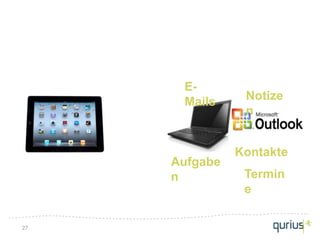
E-
      Mails     Notize
                n


               Kontakte
     Aufgabe
     n          Termin
                e

27
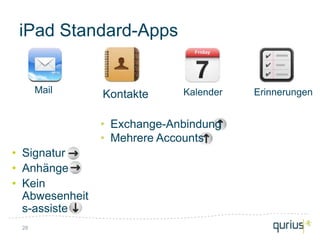
iPad Standard-Apps


      Mail      Kontakte     Kalender   Erinnerungen


                • Exchange-Anbindung
                • Mehrere Accounts
• Signatur
• Anhänge
• Kein
  Abwesenheit
  s-assistent
 28
Aufgaben-/Zeitmanagement


29
30
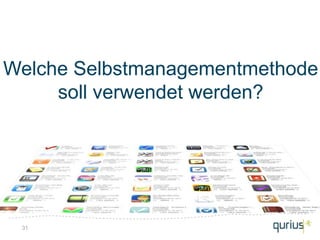
Welche Selbstmanagementmethode
     soll verwendet werden?


 31
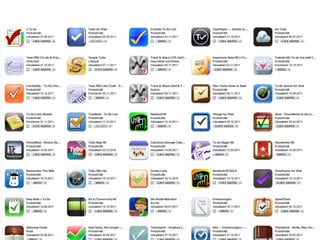
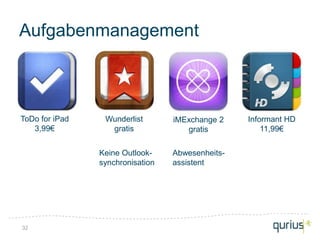
Aufgabenmanagement


ToDo for iPad    Wunderlist       iMExchange 2    Informant HD
   3,99€          gratis             gratis           11,99€


                Keine Outlook-    Abwesenheits-
                synchronisation   assistent


32
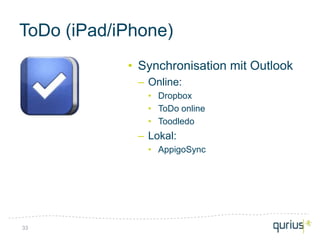
ToDo (iPad/iPhone)
            • Synchronisation mit Outlook
             – Online:
               • Dropbox
               • ToDo online
               • Toodledo
             – Lokal:
               • AppigoSync


33
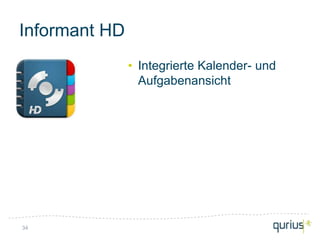
Informant HD
               • Integrierte Kalender- und
                 Aufgabenansicht


34
35
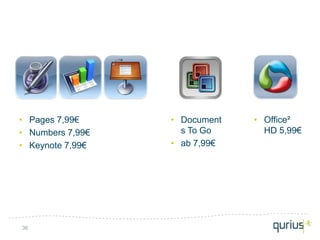
• Pages 7,99€     • Document   • Office²
• Numbers 7,99€     s To Go      HD 5,99€
• Keynote 7,99€   • ab 7,99€


36
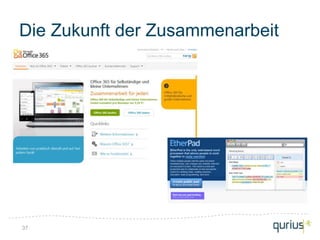
Die Zukunft der Zusammenarbeit


37
Notizen/Ideenmanagement


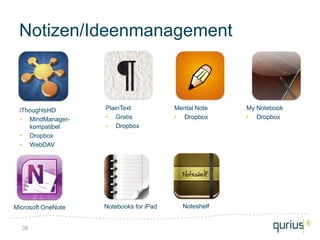
 iThoughtsHD        PlainText            Mental Note   My Notebook
 • MindManager-     • Gratis             • Dropbox     • Dropbox
    kompatibel      • Dropbox
 • Dropbox
 • WebDAV


Microsoft OneNote   Notebooks for iPad     Noteshelf


  38
Handschriftnotizen


•    Note Taker HD            Noteshelf
•    Tastatureingabe          • Seitenvorlagen
•    Tags, Favoriten          • Export
•    Shapes                     (Dropbox, Evernote, E-
•    Export (GoodReader, E-     Mail)
     Mail)                    • Kein Audio, keine
                                Tastatur
                              • Fotoimport
39
Business-Applikationen


40
Microsoft Dynamics
            • Mobile Client for Microsoft
              Dynamics CRM
             – BFI Mobile
             – Keine Offlinefunktionalität


41
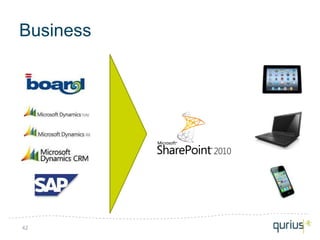
Business


42
Der Alles-Speicher
             • Website-Favoriten
             • Dokumente (PDF, DOC, …)
             • Google-Suche parallel in
               Evernote


43
RSS Reader
             MobileRSS HD Free
             • Google RSS News Reader
             • E-Mail Versand
             • Instapaper
             • Evernote


44
Präsentieren
               Conference Pad
               • PDF Datei von einem iOS-
                 Device auf anderen Devices
                 darstellen


45
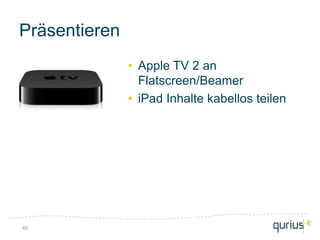
Präsentieren
               • Apple TV 2 an
                 Flatscreen/Beamer
               • iPad Inhalte kabellos teilen


46
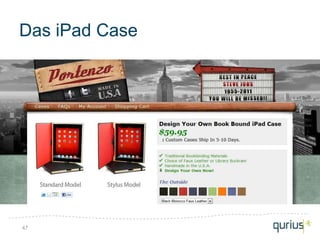
Das iPad Case


47
© 2010

Das iPad für Entscheider