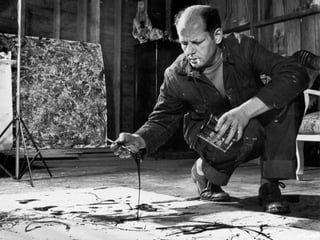
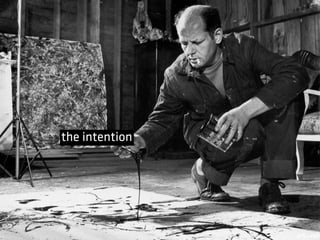
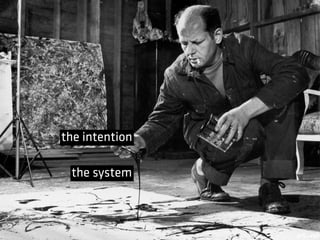
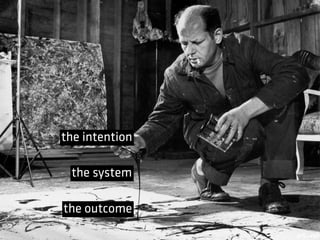
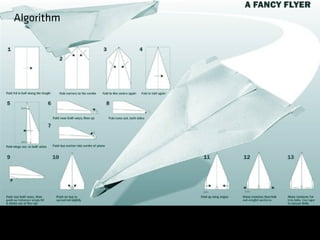
the intention
the system
the intention
the system
the outcome
the intention
the system();
the outcome
the intention
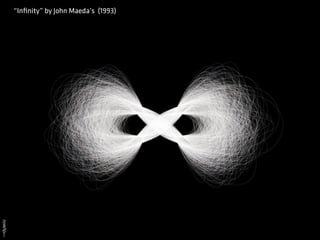
“Infinity” by John Maeda’s (1993)
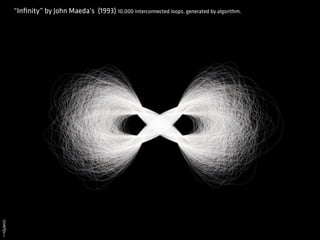
“Infinity” by John Maeda’s (1993) 10,000 interconnected loops, generated by algorithm.
John Maeda, Design By Numbers, P. 175
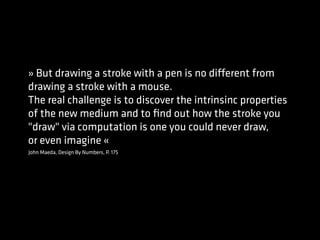
» But drawing a stroke with a pen is no different from
drawing a stroke with a mouse.
The real challenge is to discover the intrinsinc properties
of the new medium and to find out how the stroke you
"draw" via computation is one you could never draw,
or even imagine «
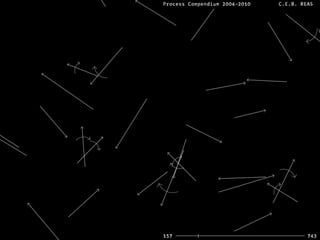
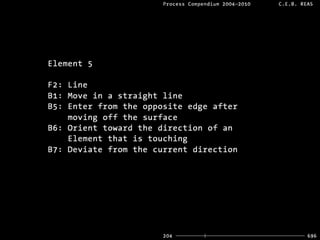
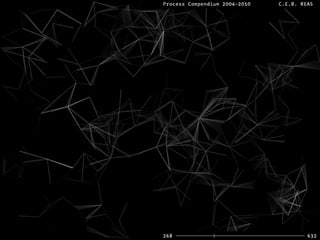
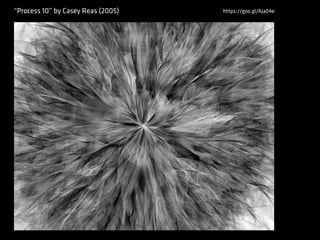
“Process 10” by Casey Reas (2005) https://goo.gl/Aja04e
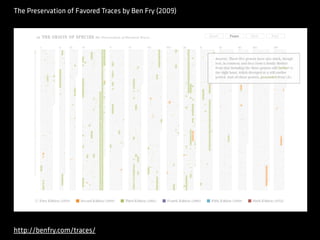
The Preservation of Favored Traces by Ben Fry (2009)
http://benfry.com/traces/
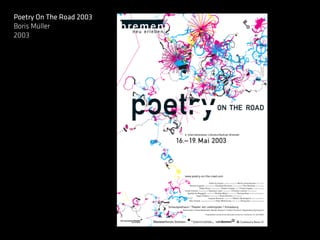
Poetry On The Road 2003
Boris Müller
2003
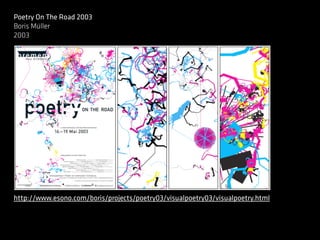
Poetry On The Road 2003
Boris Müller
2003
http://www.esono.com/boris/projects/poetry03/visualpoetry03/visualpoetry.html
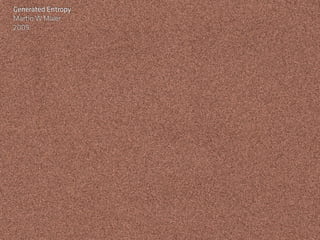
Generated Entropy
Martin W Maier
2009
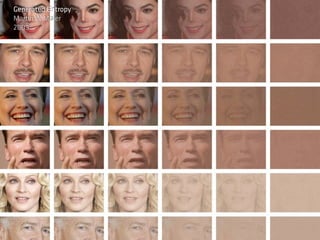
Generated Entropy
Martin W Maier
2009
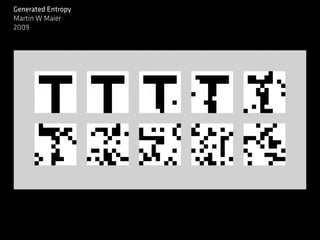
Generated Entropy
Martin W Maier
2009
COP15
okdeluxe
2009
COP15
okdeluxe
2009
Balldroppings:
Josh Nimoy
2009
http://balldroppings.com/js/
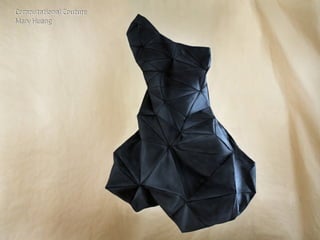
Computational Couture
Mary Huang
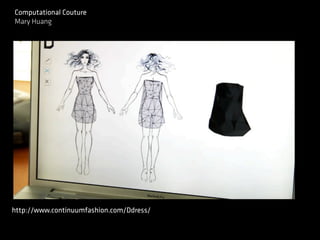
Computational Couture
Mary Huang
http://www.continuumfashion.com/Ddress/
My little piece of Privacy
Niklas Roy
2010
The V Motion Project
2012
#Task1
Beschreibt ein Processing Projekt in einem 5 Minütigen
Vortrag.
Titel, Autor(ren), Kurzbeschreibung, Abbildung(en), Quelle


1. Warum habt ihr das Projekt gewählt? (Ästhetische
Gründe, interessiert euch das Thema…)
2. Was passiert im Hintergrund (Techniken), wie würdet ihr
es umsetzen
www.processing.org
http://www.creativeapplications.net
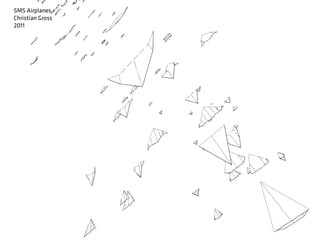
SMS Airplanes
Christian Gross
2011
SMS Airplanes
Christian Gross
2011
Algorithm
Algorithm
A language understood by both sides
(sender and recipient)
Specific, simple instructions.
Split up a problem into smaller ones.
Übung
Zeichne zwei 10x10cm Rechtecke auf ein leeres
Blatt. Zeichne ein Bild darauf, sodass niemand
es sehen kann.
Finde einen Partner. Wenn Ihr beide fertig seid,
dann erkläre dem anderen deine Zeichnung und
erzeugt so eine Kopie.
Let's start coding ...
http://processing.org/download/
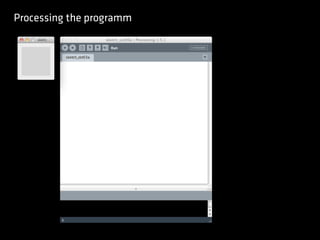
Processing the programm
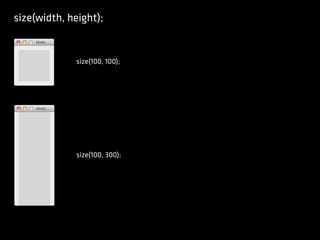
size(width, height);
size(100, 100);
size(100, 300);
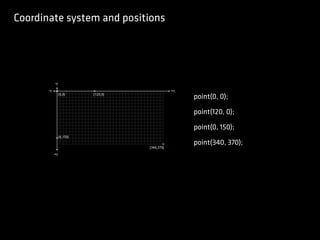
Coordinate system and positions
point(0, 0);
point(120, 0);
point(0, 150);
point(340, 370);
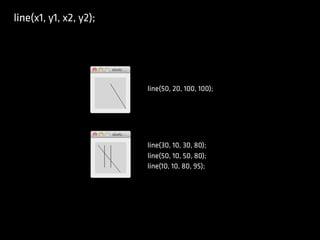
line(x1, y1, x2, y2);
line(50, 20, 100, 100);
line(30, 10, 30, 80);
line(50, 10, 50, 80);
line(10, 10, 80, 95);
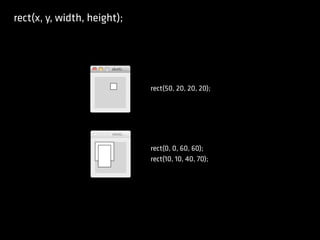
rect(x, y, width, height);
rect(50, 20, 20, 20);
rect(0, 0, 60, 60);
rect(10, 10, 40, 70);
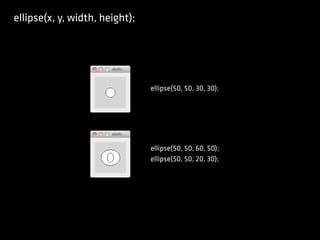
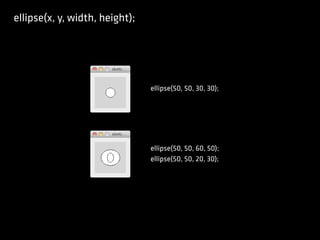
ellipse(x, y, width, height);
ellipse(50, 50, 30, 30);
ellipse(50, 50, 60, 50);
ellipse(50, 50, 20, 30);
ellipse(x, y, width, height);
ellipse(50, 50, 30, 30);
ellipse(50, 50, 60, 50);
ellipse(50, 50, 20, 30);
Other drawing functions
triangle(x1, y1, x2, y2, x3, y3);
quad(x1, y1, x2, y2, x3, y3, x4, y4);
curve(x1, y1, x2, y2, x3, y3, x4, y4);
arc(x, y, width, height, start, stop);
...
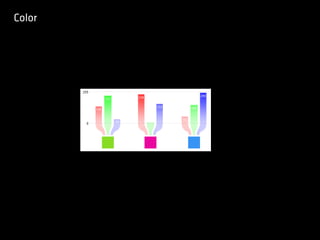
Color
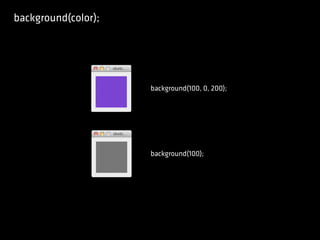
background(color);
background(100, 0, 200);
background(100);
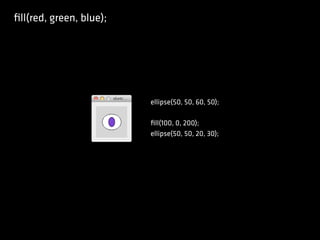
fill(red, green, blue);
ellipse(50, 50, 60, 50);
fill(100, 0, 200);
ellipse(50, 50, 20, 30);
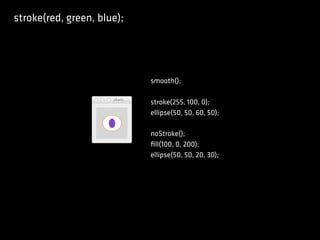
stroke(red, green, blue);
smooth();
stroke(255, 100, 0);
ellipse(50, 50, 60, 50);
noStroke();
fill(100, 0, 200);
ellipse(50, 50, 20, 30);
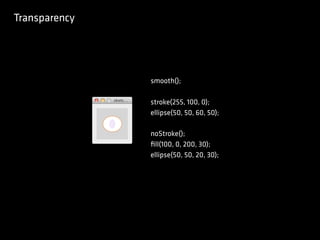
Transparency
smooth();
stroke(255, 100, 0);
ellipse(50, 50, 60, 50);
noStroke();
fill(100, 0, 200, 30);
ellipse(50, 50, 20, 30);
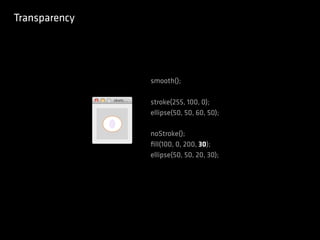
Transparency
smooth();
stroke(255, 100, 0);
ellipse(50, 50, 60, 50);
noStroke();
fill(100, 0, 200, 30);
ellipse(50, 50, 20, 30);
Other color functions
noStroke();
noFill();
strokeWeight(weight);
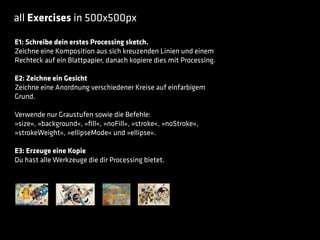
all Exercises in 500x500px
E1: Schreibe dein erstes Processing sketch.
Zeichne eine Komposition aus sich kreuzenden Linien und einem
Rechteck auf ein Blattpapier, danach kopiere dies mit Processing.
E2: Zeichne ein Gesicht
Zeichne eine Anordnung verschiedener Kreise auf einfarbigem
Grund.
Verwende nur Graustufen sowie die Befehle:
»size«, »background«, »fill«, »noFill«, »stroke«, »noStroke«,
»strokeWeight«, »ellipseMode« und »ellipse«.
E3: Erzeuge eine Kopie
Du hast alle Werkzeuge die dir Processing bietet.

Kick off Creative Coding