SSH
Wer ist das da vorne?
 Martin Leyrer
 IT Specialist aka. “Mädchen für Alles” bei einem int.
IT-Dienstleister
 E-mail: leyrer@gmail.com
 Twitter: http://www.twitter.com/leyrer
 Facebook: https://www.facebook.com/leyrer
 Blog: http://martin.leyrer.priv.at
 LinkedIn: http://at.linkedin.com/in/leyrer
 Xing: www.xing.com/profile/Martin_Leyrer
 usw. ;)
Nicht-Inhalte
 Crypto generell
 Verschlüsselungsmethoden
 Smartcards
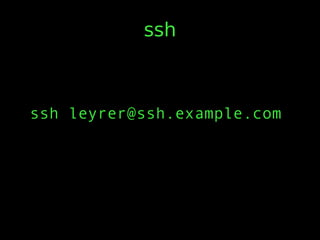
ssh
ssh leyrer@ssh.example.com
Interactive Remote
Commands
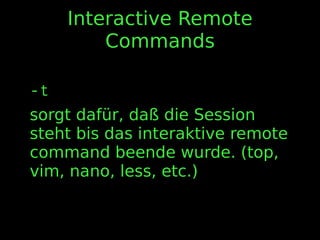
-t
sorgt dafür, daß die Session
steht bis das interaktive remote
command beende wurde. (top,
vim, nano, less, etc.)
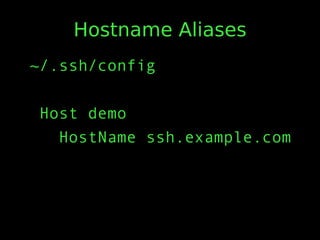
Hostname Aliases
~/.ssh/config
Host demo
HostName ssh.example.com
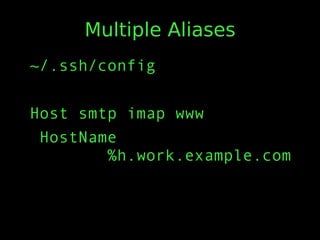
Multiple Aliases
~/.ssh/config
Host smtp imap www
HostName
%h.work.example.com
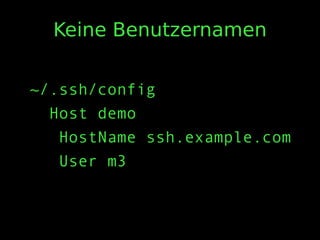
Keine Benutzernamen
~/.ssh/config
Host demo
HostName ssh.example.com
User m3
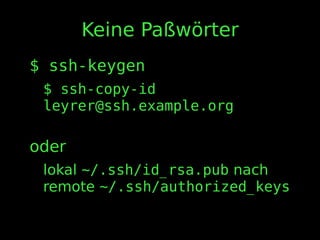
Keine Paßwörter
$ ssh-keygen
$ ssh-copy-id
leyrer@ssh.example.org
oder
lokal ~/.ssh/id_rsa.pub nach
remote ~/.ssh/authorized_keys
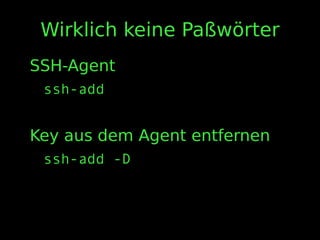
Wirklich keine Paßwörter
SSH-Agent
ssh-add
Key aus dem Agent entfernen
ssh-add -D
Session logging
ssh demo | tee -a session.log
Vim und scp URLs
gvim scp://demo/demo.txt
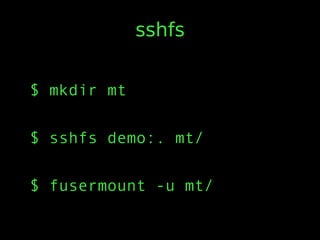
sshfs
$ mkdir mt
$ sshfs demo:. mt/
$ fusermount -u mt/
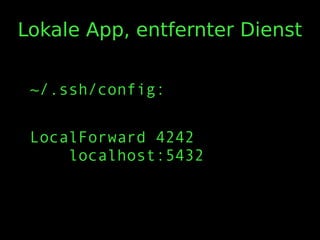
Lokale App, entfernter Dienst
~/.ssh/config:
LocalForward 4242
localhost:5432
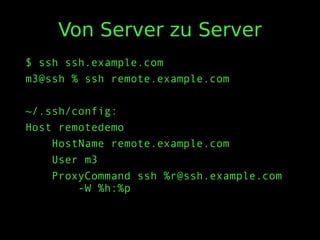
Von Server zu Server
$ ssh ssh.example.com
m3@ssh % ssh remote.example.com
~/.ssh/config:
Host remotedemo
HostName remote.example.com
User m3
ProxyCommand ssh %r@ssh.example.com
-W %h:%p
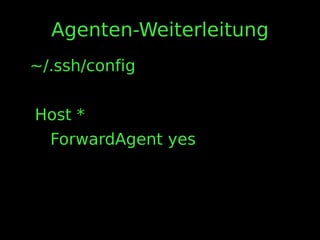
Agenten-Weiterleitung
~/.ssh/config
Host *
ForwardAgent yes
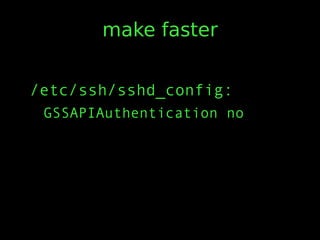
make faster
/etc/ssh/sshd_config:
GSSAPIAuthentication no
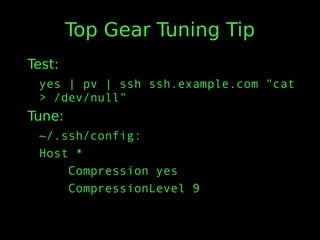
Top Gear Tuning Tip
Test:
yes | pv | ssh ssh.example.com "cat
> /dev/null"
Tune:
~/.ssh/config:
Host *
Compression yes
CompressionLevel 9
Resilient Connections
~/.ssh/config:
Host *
TCPKeepAlive no
ServerAliveInterval 60
ServerAliveCountMax 10
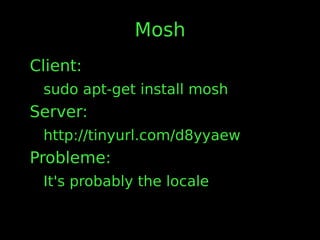
Mosh
Client:
sudo apt-get install mosh
Server:
http://tinyurl.com/d8yyaew
Probleme:
It's probably the locale
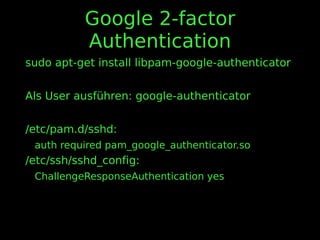
Google 2-factor
Authentication
sudo apt-get install libpam-google-authenticator
Als User ausführen: google-authenticator
/etc/pam.d/sshd:
auth required pam_google_authenticator.so
/etc/ssh/sshd_config:
ChallengeResponseAuthentication yes
https://cryptoparty.at/
Feedback
https://cfp.linuxwochen.at/de/lw
w2013/public/events/7
aka.
http://bit.ly/10VRvtL
Danksagungen
Smylers für “SSH Can Do That?
Productivity Tips for Working
with Remote Servers”
maclemon für Umfangreichen
Input zu diesem Talk
FRAGEN ?
Backup Slides
Mehrfache Verbindungen
~/.ssh/config
ControlMaster auto
ControlPath /tmp/ssh_mux_
%h_%p_%r
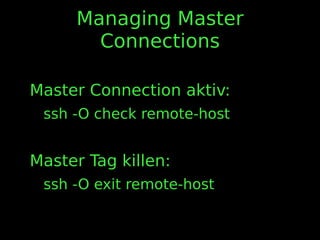
Managing Master
Connections
Master Connection aktiv:
ssh -O check remote-host
Master Tag killen:
ssh -O exit remote-host
Dateien kopieren
 scp nutzt bestehende Verbindungen
 Bash kann remote tab completion bei
installierter “Bash Completion”
 Verbindungen können auch mit rsync, git, und
vielen anderen Tools geteilt werden
Verbindungen wiederholen
~/.ssh/config
ControlMaster auto
ControlPath /tmp/ssh_mux_
%h_%p_%r
ControlPersist 4h
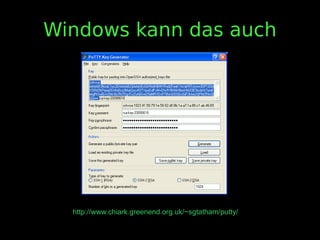
Windows kann das auch
http://www.chiark.greenend.org.uk/~sgtatham/putty/
Web Proxies
Corkscrew
ProxyCommand corkscrew
proxy.example.org 8080 %h %p

"Was, SSH kann auch das?" @ Linuxwochen Wien 2013